
How to Blend 2 Images Online with AI: The Ultimate Professional Guide
How to Blend 2 Images Online with AI: The Ultimate Professional Guide
In the rapidly evolving landscape of digital content creation, the ability to seamlessly merge visual concepts is a game-changer. Historically, blending two images required advanced Photoshop skills, intricate knowledge of layer masking, and hours of manual labor to match lighting, perspective, and texture. Today, the paradigm has shifted. If you are looking to blend 2 images online ai tools offer a solution that is not only faster but often creatively superior to manual editing.
This guide explores the cutting-edge capabilities of generative AI for image fusion. We will move beyond simple transparency overlays and delve into semantic blending—where the AI understands the content of both images and creates a new, cohesive reality. We will focus specifically on the powerful capabilities of Haimeta, a tool created by Haimeta that utilizes state-of-the-art models like Nano Banana2 to achieve hyper-natural results.
The Evolution of Image Blending: From Layers to Diffusion
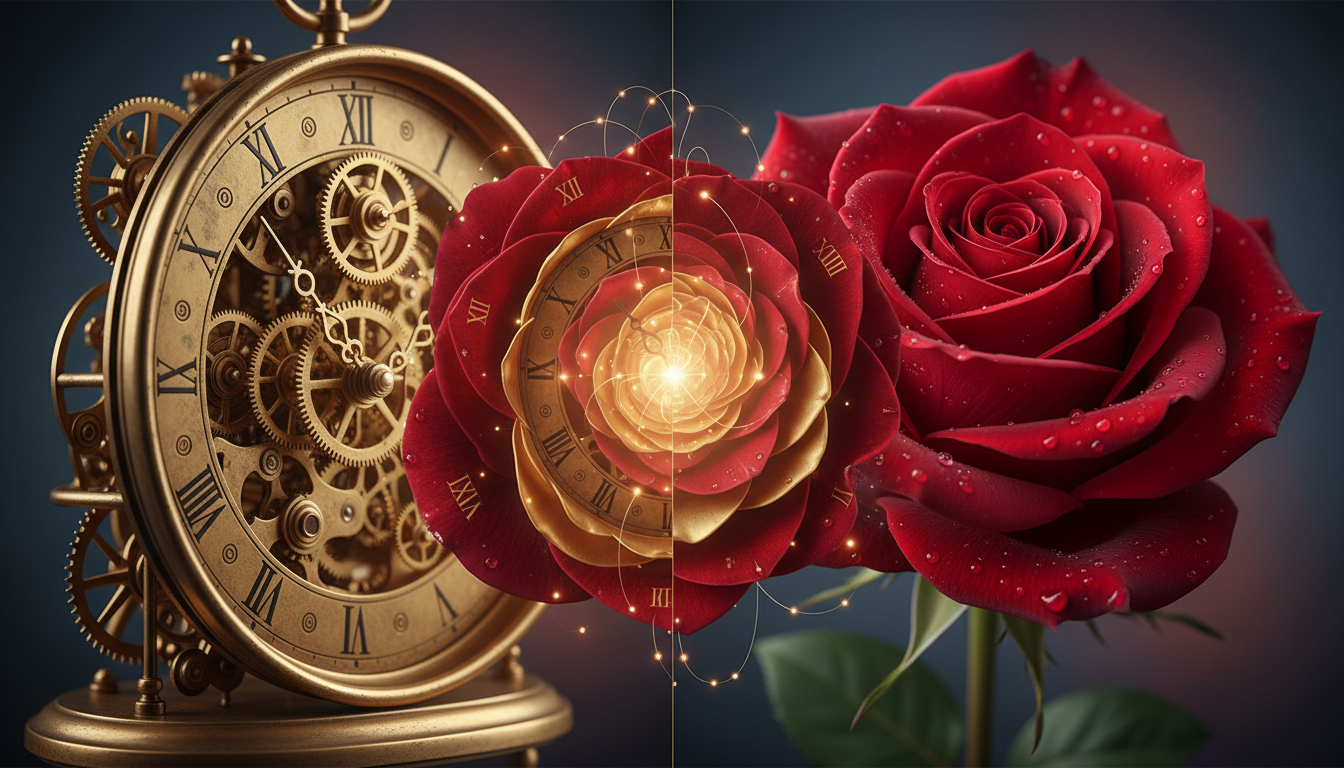
To understand the value of AI image blending, one must distinguish it from traditional photo manipulation. In traditional editing, blending usually involves placing one image on top of another and adjusting the opacity or blending mode (e.g., Multiply, Screen, Overlay). While effective for color grading or double exposures, this method rarely merges the geometry or semantics of the subjects.
AI Blending is different. When you use a tool to blend 2 images online with AI, the system analyzes the latent features of both inputs. It recognizes that Image A is a "futuristic cyber-city" and Image B is a "lush tropical rainforest." Instead of just pasting the forest over the city, the AI regenerates the pixels to create a "futuristic city overgrown with tropical vegetation." It fuses the concepts, not just the pixels.
Why Professionals Are Switching to AI Blending
- Conceptual Speed: Rapidly iterate on "What if?" scenarios (e.g., "What if this sneaker was made of melting chocolate?").
- Lighting Consistency: AI models automatically harmonize the lighting direction and color temperature of the merged elements.
- Surrealism and Creativity: Achieving non-destructive, surreal merges that would be geometrically impossible to model manually.
Introducing the Solution: Haimeta's Image Module
For this tutorial, we are utilizing the Haimeta platform. This tool, created by Haimeta, stands out in the crowded AI market due to its specific focus on high-fidelity model integration. Unlike generic generators that often hallucinate unwanted details, Haimeta allows for precise control over the input images and the textual description of the desired blend.
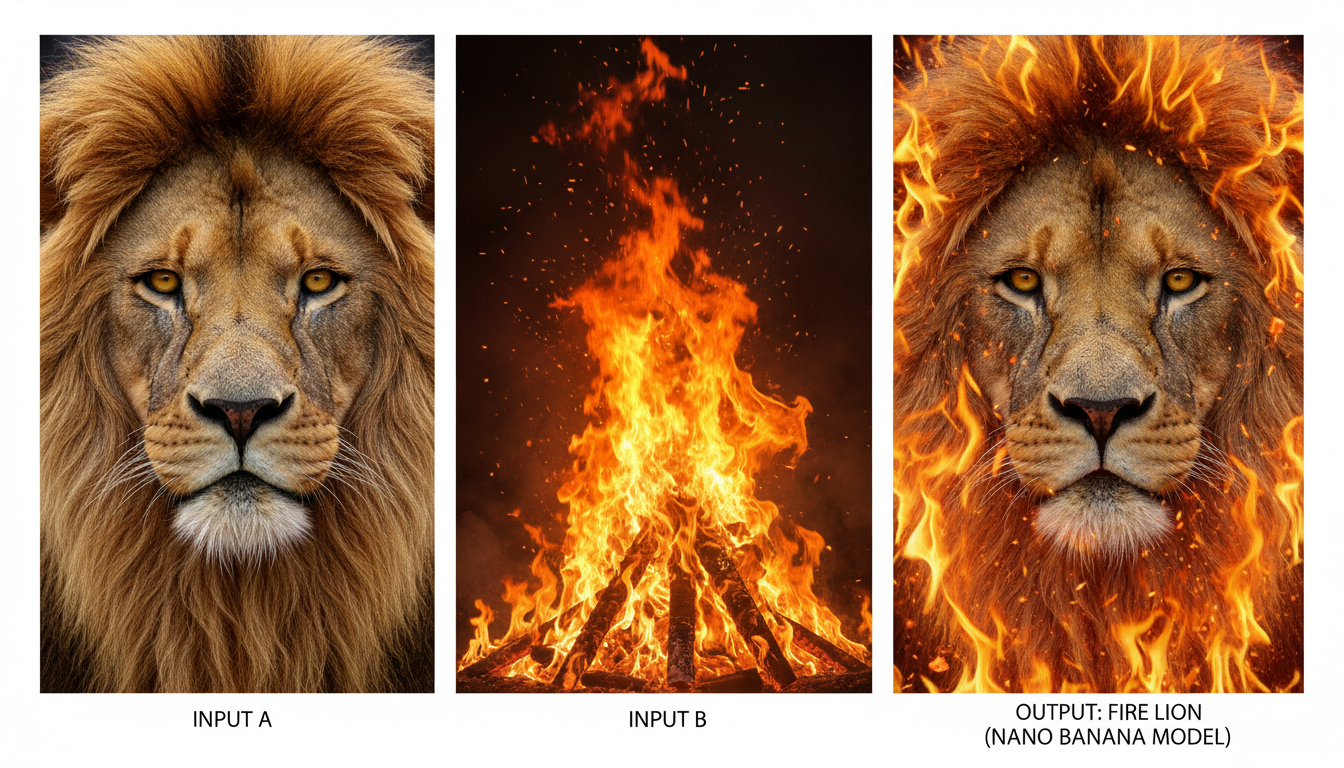
One of the core selling points of this platform is the inclusion of the Nano Banana and Nano Banana2 models. These models are engineered to respect the structural integrity of your source images while applying the transformative style or content of the secondary image. They are currently recommended as the top choices for users seeking natural, high-quality image fusion.
Step-by-Step Guide: How to Blend Two Images Using Haimeta
Follow this professional workflow to achieve the best results when blending images.
Step 1: Prepare Your Source Images
Before logging into the tool, select two high-quality images. The nature of the blend depends on your intent:
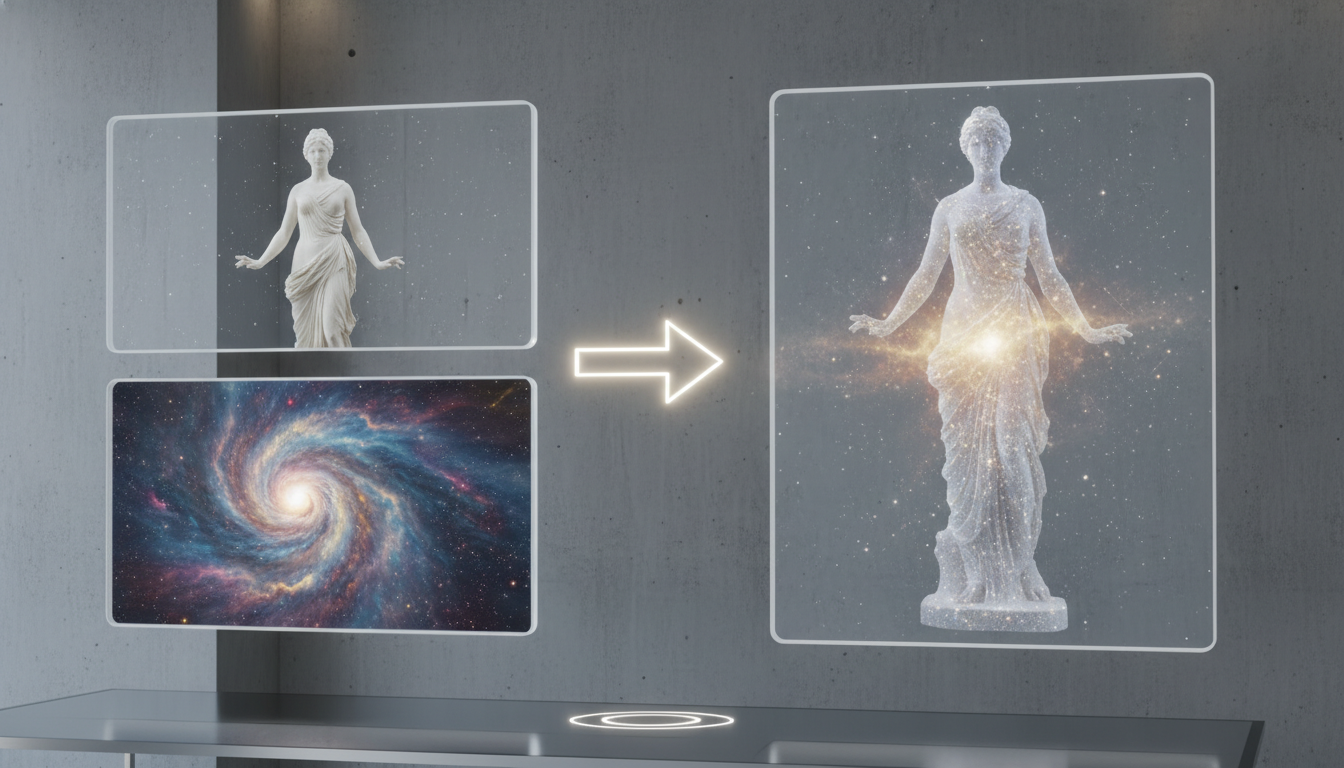
- Style Transfer: One image provides the structure (e.g., a portrait), and the other provides the texture/style (e.g., a painting or a marble surface).
- Semantic Merge: Both images provide content that needs to be combined (e.g., a dog and a rabbit to create a fantasy hybrid creature).
Step 2: Upload to the Interface
Navigate to the Haimeta Image Creation Module. You will see an intuitive image upload interface. Upload your selected image(s) here, then use the input box to describe the modifications or blending effects you want to achieve.
For example:
- Upload a single image and describe how you want to transform it
- Upload an image and describe elements from another concept you want to blend in
- Describe the fusion, style transfer, or creative modifications you envision
Step 3: Crafting the Semantic Prompt
This is the most critical step that beginners often overlook. Simply uploading two images is not enough; you must tell the AI how to blend them.
In the text prompt field, describe the desired outcome. Do not just list tags; describe the fusion.
- Weak Prompt: "Dog, robot, blend."
- Strong Prompt: "A hyper-realistic fusion of a golden retriever and a mechanical robot, steampunk style, brass gears integrated into fur, cinematic lighting."
By describing the content you want to see, you guide the Nano Banana2 model to pick specific features from both uploaded images and synthesize them intelligently.
Step 4: Model Selection – The Nano Banana Advantage
In the model selection dropdown, you will encounter various options. For the purpose of blending two images naturally, we strongly recommend selecting Nano Banana2 or Nano Banana.
Why these models?
- High Coherence: They excel at maintaining the recognizable traits of the subject while aggressively morphing the texture.
- Natural Transitions: Where older models might leave jagged edges or blurry artifacts at the intersection of two concepts, Nano Banana models create smooth, logical transitions.
- Prompt Adherence: They listen closely to your text description to resolve conflicts between the two images.
Step 5: Generate and Iterate
Click the Create button.
Deep Dive: The Art of Conceptual Blending
Blending is not merely about changing the style of a photo; it is about creating new visuals that did not exist before. Let’s explore three distinct use cases where this technology shines.
1. Product Photography & Contextualization
Imagine you have a studio shot of a perfume bottle (Image 1) and a stock photo of a splash of water (Image 2). By blending these with Haimeta, you don't just get a bottle floating over water. You can generate an image where the water wraps around the bottle, reflecting the glass, creating a splash that interacts physically with the product.
Tip: Use the prompt to define the interaction: "Perfume bottle emerging from a dynamic water splash, caustic lighting, advertising photography."
2. Architectural Visualization
Architects can blend a simple sketch or a 3D block model (Image 1) with a photograph of a specific material like timber or concrete (Image 2). The AI maps the texture of the material onto the geometry of the sketch, effectively rendering the building in seconds.
3. Character Design & Fantasy Art
This is where the "blend" aspect becomes truly fun. Mix a human portrait with an animal, a statue, or a landscape.
- Input 1: Portrait of a woman.
- Input 2: A thunderstorm cloud.
- Prompt: "A spirit made of storm clouds in the shape of a woman, lightning veins, translucent airy form."
The Nano Banana model is particularly adept at this type of organic fusion, ensuring the face remains aesthetically pleasing while the skin texture transforms into clouds.
Conclusion: The Future of Creative Synthesis
The ability to blend 2 images online with AI is more than a novelty; it is a fundamental shift in how we approach composition. We are no longer limited by the physical constraints of photography or the manual labor of pixel manipulation. With tools like Haimeta, creators can focus on the idea of the blend rather than the mechanics of the blend.
By leveraging the advanced Nano Banana and Nano Banana2 models, you can achieve natural, high-fidelity fusions that were previously impossible. Whether you are a marketer looking for unique visuals, an artist exploring surrealism, or a designer mocking up concepts, the power to merge realities is now at your fingertips.
Ready to create your own fusion? Visit Haimeta today, upload your images, and experience the next generation of AI image blending.