
The Ultimate 2026 Guide: How to Extend Product Photo Backgrounds in Seconds
The Ultimate 2026 Guide: How to Extend Product Photo Backgrounds in Seconds
In the hyper-competitive landscape of 2026 e-commerce, visual presentation is everything. Consumers are no longer satisfied with simple, tightly cropped product images floating in a sea of sterile white space. They crave context, lifestyle integration, and immersive visual storytelling. Whether you are running a boutique online store, managing a massive retail catalog, or designing captivating social media campaigns, the space surrounding your product is just as crucial as the product itself.
But what happens when your original photo is cropped too closely? In the past, this meant scheduling an entirely new photoshoot, wasting both time and thousands of dollars. Today, you can simply extend product photo background boundaries to create breathtaking, wide-angle lifestyle shots from a single, constrained image.
In this comprehensive guide, we will explore why expanding your visual canvas is critical for modern marketing, and we will show you exactly how to achieve flawless results in mere seconds without needing a degree in advanced graphic design.
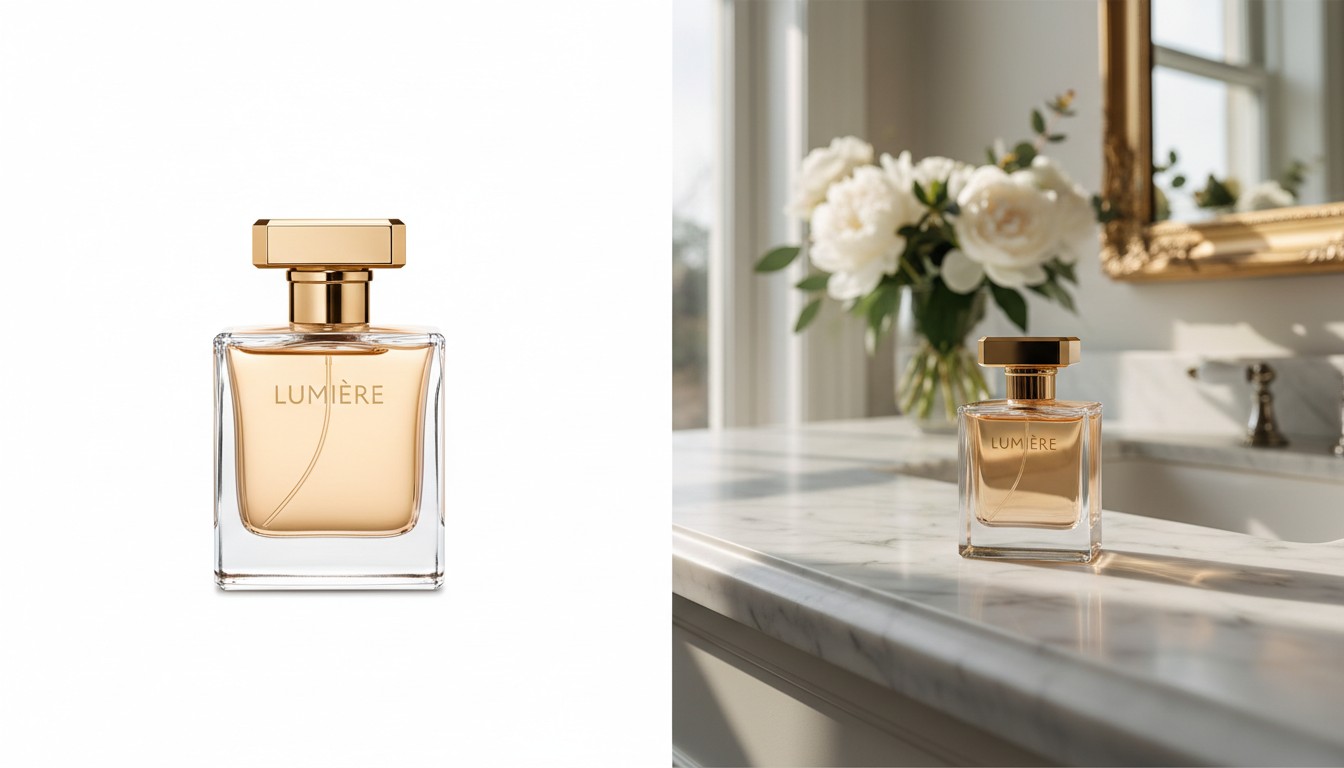
Why You Need to Extend Product Photo Backgrounds in 2026
1. Adapting to Multi-Platform Aspect Ratios
Today's digital marketing requires your product images to live across a multitude of platforms, each demanding its own specific aspect ratio. A square image might work perfectly for an Instagram grid, but a horizontal banner is required for your website's hero section, and a tall vertical format is necessary for TikTok or Instagram Reels. When you extend product photo background areas, you give yourself the flexible canvas needed to crop and adapt a single core image for every conceivable marketing channel.
2. Creating Space for Marketing Copy
An image that is cropped tightly around the product leaves absolutely no room for text overlays, promotional badges, or call-to-action buttons. By extending the background, you seamlessly generate essential "negative space." This extra visual breathing room allows you to insert persuasive copywriting directly onto the image without cluttering the frame or obscuring the product itself.
3. Enhancing the Lifestyle Narrative
A product rarely exists in a vacuum. Consumers want to envision how a luxury handbag looks sitting on a sunlit cafe table, or how a sleek modern coffee maker fits into a contemporary kitchen. Extending the background allows you to build out these lifestyle scenes organically. It transforms a simple catalog shot into a compelling story that resonates emotionally with your potential buyers.
The Traditional Method vs. The Modern Approach
For years, attempting to extend product photo background dimensions was a tedious, manual process. Graphic designers would have to spend hours using complex cloning tools, manually patching textures, and struggling to recreate natural lighting and shadows. This process was not only expensive but often resulted in artificial-looking edges that savvy consumers could immediately spot.
We don't need to dive into the complicated technical jargon of how modern image processing works to appreciate the results. The 2026 approach is entirely focused on simplicity and speed. The core philosophy is straightforward: you should be able to upload a single image and let an intelligent system do the heavy lifting to generate the surrounding environment.
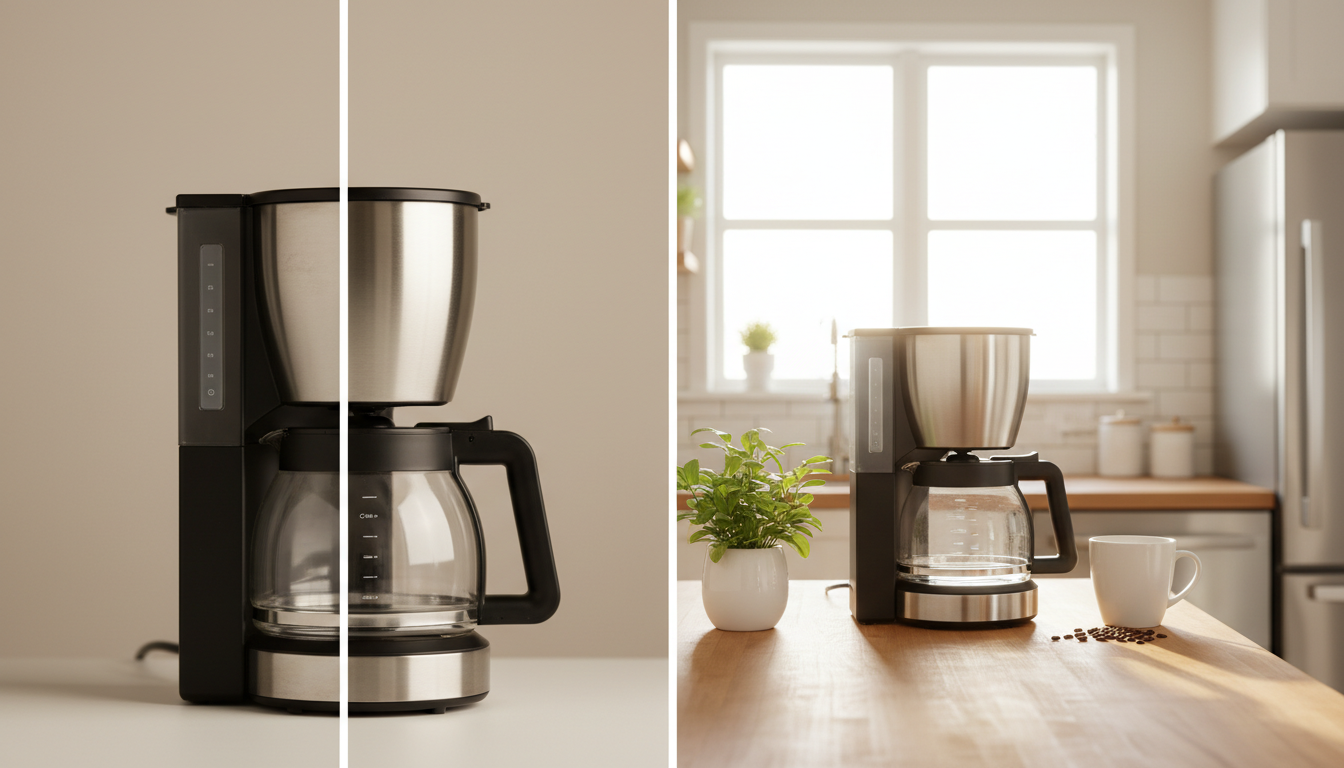
The Best Tool for the Job: Seamless Expansion
When it comes to effortlessly expanding your visual assets, the standout solution in 2026 is HaiMeta AI Expand created by HaiMeta.
This tool is designed specifically with e-commerce professionals, marketers, and business owners in mind. It eliminates the steep learning curve traditionally associated with photo editing. The core selling point is beautifully simple: Upload an image, and instantly extend the product photo background. There are no complicated sliders to master, no intricate masking tools to navigate, and no need to understand the underlying architecture of the software. It simply works, giving you production-ready assets in seconds.
Step-by-Step Guide: How to Extend Product Photo Backgrounds
Expanding your product imagery is incredibly intuitive. Here is the step-by-step process to transform your cramped photos into expansive lifestyle scenes.
Step 1: Select Your Core Product Image
The first step is to choose the image you want to enhance. For the best results, select a high-resolution photo where the product is clear and well-lit. It doesn't matter if the image is tightly cropped; the goal is to build the world around it.
Step 2: Navigate to the Expansion Tool
Head over to HaiMeta AI Expand created by HaiMeta. The interface is remarkably clean and user-friendly, completely devoid of intimidating technical panels.
Step 3: Upload Your Image
Simply drag and drop your selected product photo into the designated upload area. The system will immediately recognize the core subject of your image.
Step 4: Choose Your Desired Dimensions
Decide how much you want to extend product photo background boundaries. Are you looking to turn a square image into a wide 16:9 banner for your website? Or perhaps you need to stretch a horizontal photo into a tall 9:16 format for a mobile ad campaign? Select your target aspect ratio.
Step 5: Generate the Extension
Click the expand button. In just seconds, the tool will analyze the existing environment, the lighting, the textures, and the perspective of your original shot. It will then organically build out the rest of the scene. The newly generated background will seamlessly match the original, ensuring that shadows fall correctly and surfaces continue naturally.
Step 6: Download and Deploy
Once the expansion is complete, you will be presented with a stunning, wide-angle lifestyle shot. Download your new image and immediately deploy it across your marketing channels.
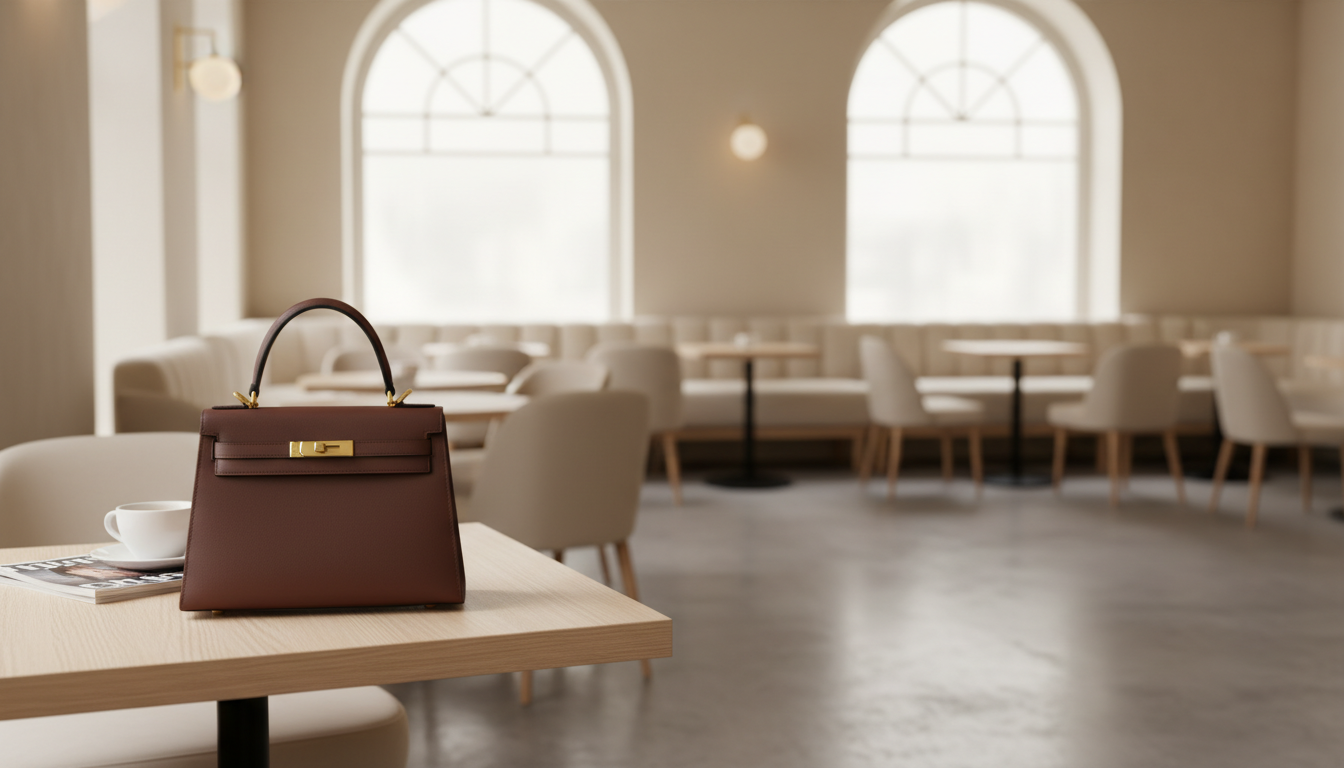
Real-World Use Cases and Impact
To truly understand the power of this streamlined workflow, let's look at how different industries are utilizing this capability in 2026.
1. Fashion and Apparel
Imagine a beautifully lit photo of a designer leather handbag. The original shot is beautiful but tightly framed, showing only the bag and a tiny sliver of a marble table. By uploading this image to extend product photo background areas, the brand can instantly generate the rest of the luxurious marble vanity, complete with soft morning sunlight streaming through an unseen window. This transforms a basic product shot into a high-end editorial image perfect for a homepage banner.
2. Consumer Electronics
A brand selling premium noise-canceling headphones might have a great close-up shot of the product resting on a wooden desk. By expanding the canvas, they can reveal more of the desk, perhaps introducing subtle, lifestyle-appropriate elements like a blurred cup of artisanal coffee or a sleek notebook in the expanded periphery. This anchors the product in reality and helps the consumer visualize it in their own workspace.
3. Home Goods and Furniture
A tight shot of a minimalist ceramic vase is great for a product gallery, but it lacks the emotional pull needed for an Instagram ad. Expanding the background can organically build out a cozy, modern living room setting around the vase, complete with complementary natural tones and soft, diffused lighting.
Best Practices for Perfect Background Extension
While the process is incredibly straightforward, keeping a few best practices in mind will ensure you get absolute perfection every single time:
- Start with Quality: The better the lighting and resolution of your original image, the more seamless the expanded environment will be.
- Keep it Natural: Ensure that the expanded area makes logical sense for the product. A kitchen appliance should naturally expand into a kitchen environment, not a forest.
- Leave Room for Text: If you are expanding the background specifically for an ad campaign, intentionally generate more space on one side of the product to accommodate your headline and call-to-action.
- Maintain Brand Consistency: Ensure that the colors and textures of the extended background align with your overall brand aesthetic.
Conclusion
As we navigate the visual-first digital economy of 2026, the ability to adapt and elevate your product imagery quickly is a distinct competitive advantage. You no longer need to be constrained by tight crops or the high costs of continuous reshoots.
By choosing to extend product photo background areas, you unlock a world of creative flexibility. You can generate essential negative space for marketing copy, adapt a single image for every social media platform, and build compelling lifestyle narratives that drive conversions.
Stop letting the borders of your original photograph dictate your marketing strategy. Experience the magic of one-click background expansion today. Upload your image, let the environment build itself, and watch your e-commerce visuals transform from ordinary to extraordinary.