
The Ultimate Guide to Product Change Background: Revolutionizing E-Commerce Photography
The Ultimate Guide to Product Change Background: Revolutionizing E-Commerce Photography
In the hyper-competitive world of e-commerce, the visual presentation of your inventory is the single most critical factor influencing conversion rates. A potential customer cannot touch, smell, or physically examine your item; they rely entirely on the image on their screen. This brings us to a crucial aspect of digital merchandising: the ability to execute a high-quality product change background workflow.
Traditionally, achieving studio-quality images required expensive equipment, professional photographers, and hours of post-processing. However, the landscape has shifted. Today, we utilize the Product Change Background tool created by Haimeta to automate and perfect this process.
This comprehensive guide will explore why changing your product background is essential, the limitations of traditional methods, and how AI technology allows you to upload a simple product shot and instantly generate a marketing-ready asset with perfect lighting and shadows.
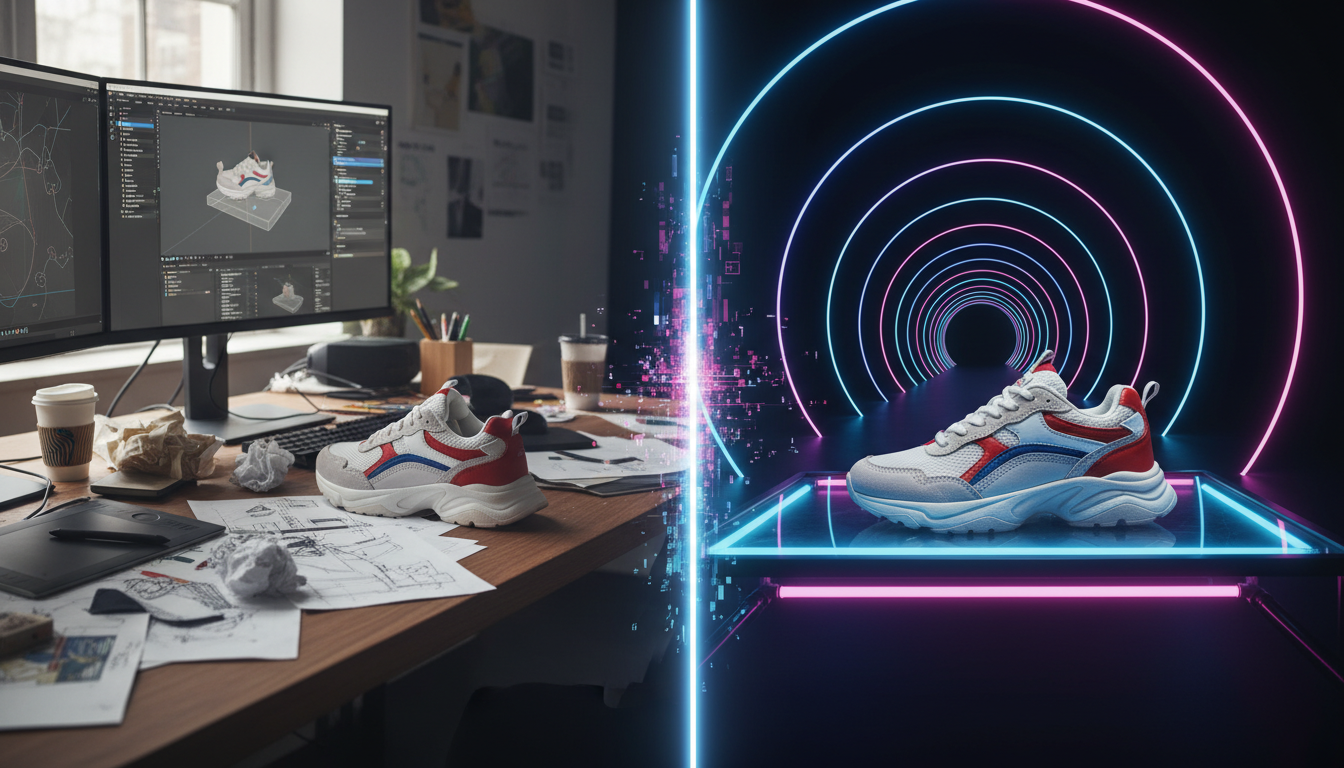
Why Context is King in Product Photography
Before diving into the "how-to," it is vital to understand the "why." A plain white background is the industry standard for listing pages (like Amazon or eBay), but it fails to capture emotion or lifestyle appeal on social media, landing pages, or advertisements.
The Psychology of Visual Context
When you perform a product change background operation to place an item in a lifestyle setting, you are not just editing a photo; you are telling a story.
- Emotional Connection: Seeing a coffee mug on a cozy wooden table near a window evokes warmth. Seeing the same mug on a white void conveys nothing but utility.
- Scale and Utility: Backgrounds help the viewer understand the size of the product relative to other objects.
- Brand Identity: A luxury watch brand might use dark, marble textures, while an eco-friendly skincare brand might prefer leaves, water, and soft sunlight.
The Traditional Barriers: Time, Skill, and Cost
For decades, merchants faced a "Triangle of Compromise" regarding product photography: you could pick two options among Fast, Cheap, or Good, but never all three.
- The Studio Shoot: Hiring a professional photographer, renting a studio, and building physical sets is "Good" but neither cheap nor fast.
- Manual Photoshop Editing: Taking a photo yourself and trying to edit the background requires significant skill. Even for experts, manually masking hair or transparent glass and then drawing realistic shadows takes hours per image.
- Cheap Cutouts: Simply cutting a product out and pasting it onto a stock photo usually results in the "floating object effect," where the lighting of the product does not match the background, making the image look fake and untrustworthy.
The AI Solution: Flawless Integration
The game-changer in this narrative is the Product Change Background tool created by Haimeta. This is not a simple background remover; it is a generative AI solution designed specifically for commerce.
The Core Technology
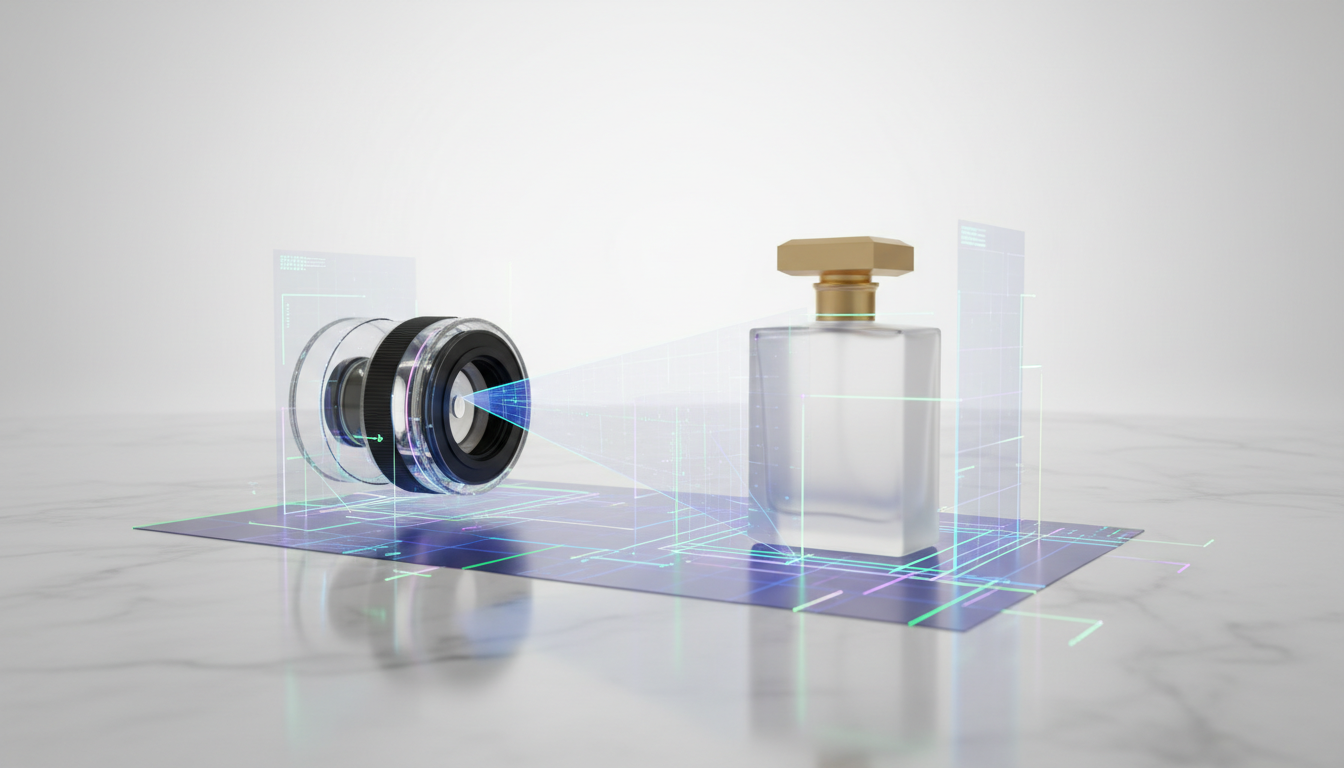
The defining feature of Haimeta’s solution is its ability to understand lighting physics. When you upload a product image and select a new background template, the AI analyzes the light source in the background and re-renders the lighting on your product. It automatically generates realistic shadows and reflections, ensuring the product looks like it was physically photographed in that specific location.
Step-by-Step Guide: How to Use the Tool
Ready to transform your product catalog? Follow this professional workflow to achieve studio-quality results without opening Photoshop.
Step 1: Image Preparation and Upload
Start by taking a clear photo of your product. You do not need a professional camera; a modern smartphone is sufficient. Ensure the product is in focus.
- Navigate to the Tool: Access the Product Change Background interface.
- Upload: Drag and drop your raw product image into the designated area.
Pro Tip: While the AI is powerful, avoid taking photos in extremely dim light or with harsh, weirdly colored shadows if possible. Neutral lighting yields the most versatile results.
Step 2: Select Your Background Template
This is where the magic happens. Haimeta offers a library of high-quality, commercially viable background templates.
- Browse Categories: Look for templates that match your brand aesthetic. Are you selling summer cosmetics? Look for water ripples and sunlight. Selling tech gadgets? Look for sleek, geometric, or neon-lit surfaces.
- Selection: Click on the template that best fits the mood you want to convey.
Step 3: AI Processing (The "Secret Sauce")
Once you confirm your selection, the AI takes over. This phase differentiates this tool from standard editors. The AI performs several complex calculations simultaneously:
- Segmentation: It identifies the product boundaries with pixel-perfect precision (handling complex edges like fur or transparent bottles).
- Harmonization: It adjusts the color temperature of the product to match the ambient light of the new background.
- Shadow Generation: It creates contact shadows (where the object touches the surface) and cast shadows (thrown by the object), aligned with the background's light source.
Step 4: Review and Download
In seconds, your image is ready.
- Inspect: Zoom in to see how the edges interact with the background.
- Download: Save the high-resolution image for immediate use in your marketing campaigns.
Advanced Strategies for Maximizing ROI
Using the product change background feature is easy, but using it strategically requires a plan. Here is how professional strategists utilize this tool.
1. A/B Testing Visuals
Never guess what your customers want—test it. With the speed of AI, you can generate five different variations of the same product image in minutes.
- Variant A: The product on a minimal, solid color podium.
- Variant B: The product in a lifestyle, home setting.
- Strategy: Run Facebook or Instagram ads using both images. Analyze which one gets a higher Click-Through Rate (CTR). Often, changing the background can double the performance of an ad.
2. Seasonal Adaptation
Imagine you sell a red handbag. You don't need to reshoot the bag for every holiday.
- February: Use a romantic, pink/red floral background for Valentine's Day.
- December: Switch to a snowy, festive background for Christmas.
- Summer: Place the bag on a beach or poolside setting.
This capability allows you to keep your store looking fresh and relevant year-round without the logistics of physical photoshoots.
3. Creating Consistent Collection Pages
If your online store features products photographed at different times, with different lighting, your collection page can look messy and amateurish. Use the product change background tool to unify your catalog. Select a specific theme (e.g., "Concrete and Shadows") and apply it to every product in that collection. This creates a cohesive, high-end brand experience.

Why AI Handles Lighting Better Than Amateurs
The most significant pain point in manual editing is lighting. If you paste a brightly lit bottle onto a moody, dark background, the human eye instantly recognizes it as "fake."
Haimeta's Core Selling Point: The AI handles the light and shadow processing automatically. It treats the product as a 3D object within the 2D space of the background.
- Reflections: If the product is placed on a glossy table, the AI generates a reflection.
- Occlusion: If the light comes from the left, the right side of the product is subtly darkened.
This "One-Click, No PS Skills Needed" approach democratizes professional design. It removes the technical barrier, allowing business owners to focus on creativity and sales rather than learning complex software.
Conclusion: The Future of E-Commerce Imagery
The ability to execute a flawless product change background workflow is no longer a luxury reserved for Fortune 500 companies; it is a necessity for any modern e-commerce business. The visual standard for the internet is rising, and customers expect high-fidelity imagery.
By leveraging the Product Change Background tool created by Haimeta, you save time, reduce costs, and, most importantly, produce assets that sell. You no longer need to worry about the complexities of Photoshop or the expense of studio rentals.
Take Action Today: Do not let your product images stagnate on dull backgrounds. Upload your first product now, select a template, and watch as AI transforms your simple photo into a high-converting masterpiece. The perfect shot is just one click away.