
The Ultimate Guide to AI Dance: Dominate Social Media Without Moving a Muscle
The Ultimate Guide to AI Dance: Dominate Social Media Without Moving a Muscle
Let’s face it: we have all scrolled through TikTok or Instagram Reels, mesmerized by the latest viral dance trends. From intricate hand gestures to high-energy shuffles, the choreography is captivating. But then reality sets in. Maybe you have two left feet, maybe you don't have the studio space, or maybe you simply don't have the time to memorize complex routines.
Does that mean you have to sit on the sidelines while others rack up millions of views? Absolutely not.
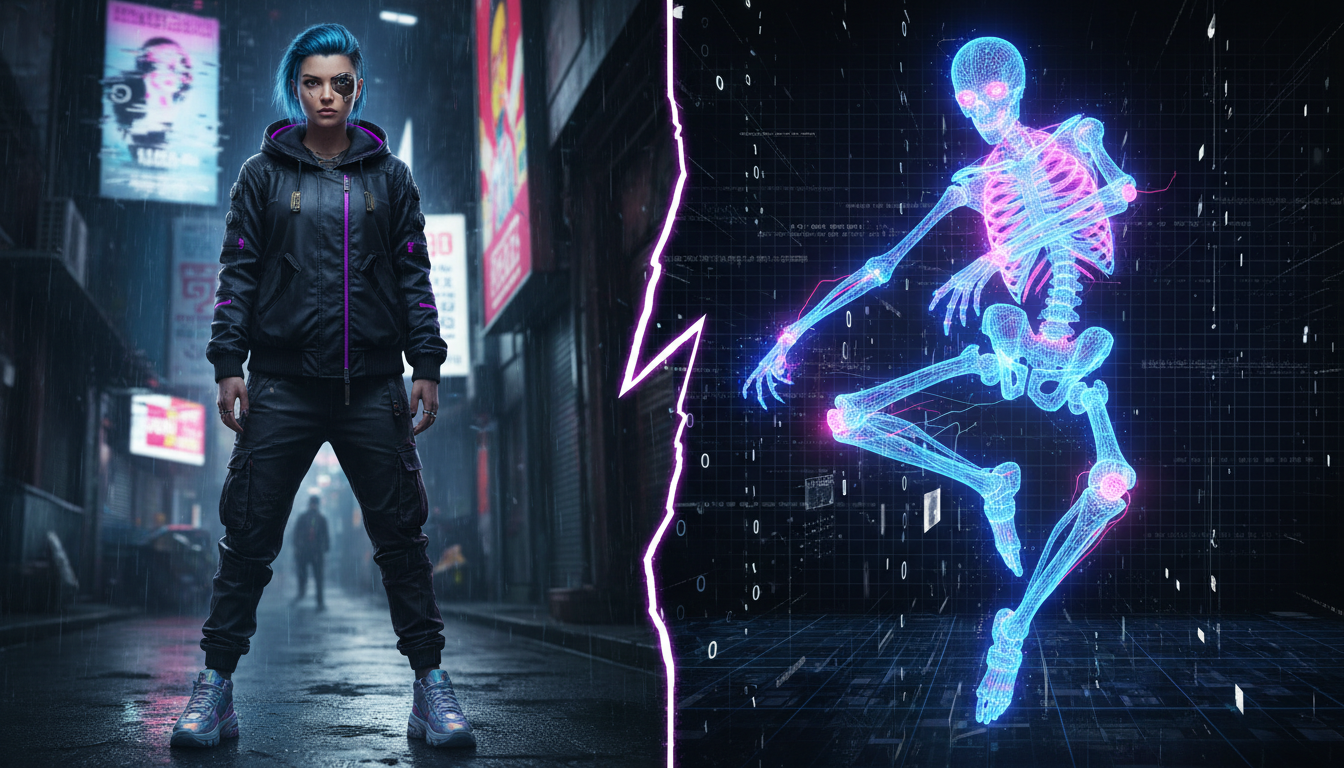
Welcome to the era of AI Dance. We are witnessing a technological paradigm shift where your physical limitations no longer dictate your creative output. With the power of generative AI, you can now animate static photos into fluid, professional-grade dance videos that look indistinguishable from reality.
This isn't just a filter; this is precision motion control. In this bold guide, we will break down exactly how you can use the Motion Control feature on Haimeta to transform a single image into a viral sensation.
Why AI Dance is the Next Big Content Frontier
Before we dive into the "how-to," you need to understand the magnitude of this opportunity. The "AI dance" keyword is exploding because it solves a fundamental problem in content creation: scalability vs. effort.
Traditionally, filming a dance video requires:
- Learning choreography.
- Setting up professional lighting.
- Multiple takes (and the exhaustion that follows).
- Editing to sync with music.
With AI motion transfer technology, the equation changes. You supply the identity (the photo) and the motion (the reference video), and the AI bridges the gap. This allows creators to:
- Hop on Trends Instantly: Did a new dance drop an hour ago? You don't need to practice; you just need the reference clip.
- Maintain Privacy: Use AI avatars or stylized photos of yourself if you prefer not to be on camera directly.
- Scale Content: Produce ten dance videos in the time it takes a human dancer to film one.
The Tool: Haimeta Motion Control
The secret weapon we are focusing on today is the Motion Control module available on Haimeta.
Unlike generic deep-fake apps that often result in jittery, uncanny-valley nightmares, Haimeta offers a streamlined way to play with motion. You don't need to understand the complex coding or skeleton tracking algorithms behind the scenes.
The Core Promise: Simply upload a photo and a dance snippet you want to mimic. Whether it’s a complex TikTok hand dance or a full-body Instagram groove, the system replicates the movement onto your static image seamlessly.
Step-by-Step: How to Create Your First AI Dance Video
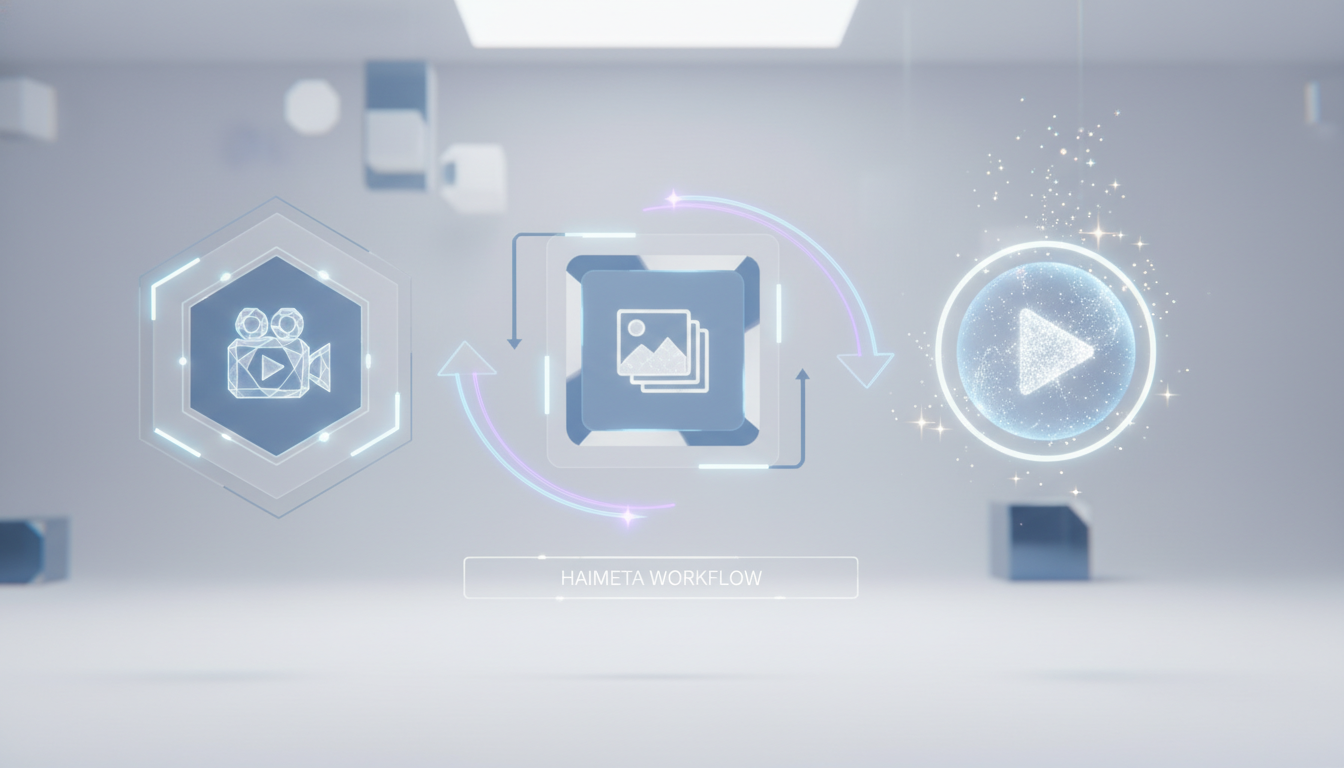
Ready to create? Stop overthinking and start doing. Follow this three-step workflow to generate professional AI dance content.
Step 1: Secure Your Reference Material (The Motion)
The first step is the simplest: find the dance you want to imitate. You don't need to shoot this yourself—you can grab a trending video directly from social media.
Pro Tip for Selection:
- Direct Shots Work Best: Look for a "Fancam" or a direct, straight-on video where the dancer is clearly visible. That is all you need to get started.
Step 2: Choose Your Subject (The Photo)
Next, upload the photo of the person (or character) who will be performing the dance. This is the "target" image. You can use a photo of yourself, a digital avatar, or a brand mascot.
Guidelines for the Perfect Source Photo:
- Face Forward: Ensure the subject's face is clearly visible and facing the camera.
- Match the Aspect Ratio: Try to match the aspect ratio of your photo to your reference video (e.g., use a 9:16 vertical photo if you are making a TikTok/Reels video).
Step 3: Creation and Download
This is where the magic happens.
- Navigate to the Motion Control module on the Haimeta dashboard.
- Click "Create" after your assets are uploaded.
- The Haimeta engine processes the motion from the video and applies it to your photo, synthesizing new pixels to fill in the movement.
- Download your high-definition video.
That’s it. No rigging 3D models, no keyframe animation, and no sweat.
Advanced Strategies for Viral Success
Now that you know the technical steps, let's talk strategy. How do you use Haimeta Motion Control to actually grow an audience?
1. The "Impossible" Collab
Imagine creating a video where you and a digital version of a celebrity are doing the exact same dance side-by-side. You can use split-screen editing to show the original reference video next to your AI-generated version. This format is incredibly popular as it shows off the tech capability and the accuracy of the mimicry.
2. Reviving History
Take vintage photos—perhaps of historical figures or ancestors—and animate them doing modern TikTok trends. The juxtaposition of old-school aesthetics with Gen Z dance moves is a proven formula for viral engagement (often referred to as "anachronistic humor").
3. Branded Mascots
If you run a business, stop forcing your social media manager to dance. Create a mascot character, take a high-quality image of it, and use Haimeta to make the mascot perform the trending dances. It builds brand affinity without compromising human dignity.
4. Cross-Platform Domination
Because Haimeta allows for quick generation, you can tailor content for different platforms:
- TikTok: Fast-paced, trending audio, 9:16 vertical format.
- YouTube Shorts: Loopable dance moves that encourage replayability.
- Instagram Stories: Behind-the-scenes content showing the "Photo vs. Video" comparison.
Troubleshooting Common Issues
Even with the best AI tools, results can vary based on inputs. Here is how to fix common hiccups:
- The "Warping" Effect: If the background behind your subject is warping excessively, try using a photo with a solid color background or a depth-of-field effect (blurred background). This makes it easier for the AI to separate the subject.
- Limb Confusion: If the AI confuses the left arm for the right, check your reference video. Was the dancer crossing their arms? Complex overlapping moves are harder to track. Start with open-body movements before attempting complex tutting.
- Facial Consistency: Haimeta is designed to preserve identity, but extreme head movements can sometimes distort features. Choose reference videos where the head stays relatively stable for the crispest facial preservation.
Conclusion: The Future is in Motion
The barrier to entry for high-quality video content has crumbled. You no longer need a production crew, a choreographer, or even the ability to dance. You just need a vision and the right tools.
AI dance is not a fad; it is a new medium of expression. By leveraging the Motion Control module on Haimeta, you are equipping yourself with a studio-grade animation team that lives in your browser.
The process is simple: Upload Video -> Upload Photo -> Create.
Don't let the next trend pass you by because you didn't have time to learn the steps. Grab a photo, pick a trend, and let the AI do the heavy lifting. The stage is yours—make your move.