
How to Turn an Image into a 3D Model: The Professional Guide
How to Turn an Image into a 3D Model: The Ultimate Professional Guide
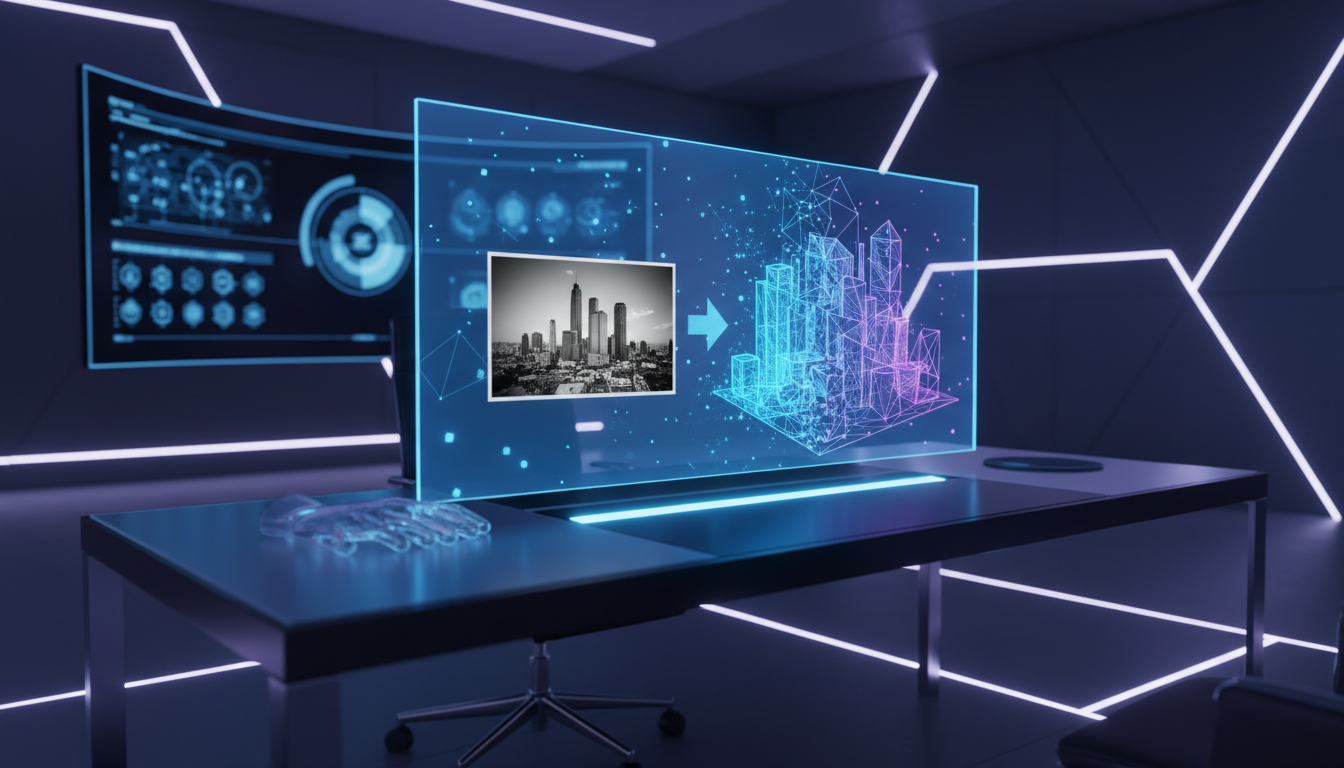
The landscape of digital content creation is undergoing a seismic shift. For decades, the creation of three-dimensional assets was a domain reserved exclusively for highly skilled modelers, sculptors, and CAD engineers. It was a time-consuming process involving complex mesh manipulation, UV mapping, and texturing. However, with the advent of Generative AI, the barrier to entry has lowered significantly. Today, the question is no longer if you can automate asset creation, but how to turn an image into a 3D model with the highest fidelity and efficiency.
Whether you are a game developer needing rapid prototyping, an e-commerce manager looking to visualize products in AR, or a graphic designer expanding into the third dimension, understanding the AI-driven pipeline is crucial. This guide will explore the professional methodologies for converting 2D inputs into 3D outputs, specifically focusing on the cutting-edge capabilities of the Haimeta 3D Tool created by Haimeta.
The Evolution of 3D Asset Generation
To appreciate the modern solutions available today, one must understand the technological leap that has occurred. Traditionally, converting a real-world object or a 2D concept into a 3D model relied on Photogrammetry. This involved taking hundreds of photos of an object from every conceivable angle and using software to stitch them into a point cloud. While effective, it required physical access to the object and controlled lighting conditions.
The modern approach, fueled by neural networks and deep learning, requires far less input data. AI algorithms now possess the ability to "hallucinate" or predict depth, volume, and unseen angles based on a single 2D image. This process, often referred to as Single-View Reconstruction, analyzes the pixel data of a standard PNG or JPEG and extrapolates a textured mesh.
Why Professionals are Switching to AI Workflows
- Speed: What used to take days of sculpting now takes minutes.
- Scalability: Businesses can generate vast libraries of assets without hiring an army of modelers.
- Accessibility: High-quality results are achievable without mastering complex software like Blender or Maya immediately.
Introducing Haimeta: A Hub for 3D Innovation
While there are various standalone tools available, professionals require an integrated environment that offers flexibility and quality assurance. This is where Haimeta stands out. Haimeta is not just a single-function utility; it is a comprehensive platform that aggregates the most advanced AI models in the industry.
The platform's Haimeta 3D Tool is designed to streamline the conversion process. By integrating multiple 3D generation engines, Haimeta allows users to generate, compare, and select the optimal 3D representation of their 2D concepts. This addresses a common pain point in AI generation: inconsistency. By offering a platform where you can test different underlying models, including the highly acclaimed Tripo 3D model, Haimeta ensures you get the best possible result for your specific image.
Step-by-Step Guide: How to Turn an Image into a 3D Model
Turning a flat image into a spatial object involves a systematic process. Below is a professional workflow utilizing the Haimeta platform to ensure high-quality outputs.
Step 1: Preparing Your Source Image
The adage "garbage in, garbage out" applies heavily to AI 3D generation. Before you even open the tool, ensure your source image is optimized.
- Format: The Haimeta 3D Tool supports standard formats like PNG and JPEG. Ensure your files are not corrupted and are of reasonable resolution.
- Clarity: The subject should be clearly defined. Images with high contrast between the subject and the background work best.
- Perspective: Ideally, use an image that shows the subject from a slight angle rather than a perfectly flat front view, although modern AI handles front views increasingly well by predicting the side profiles.
- Background: A transparent background (PNG) or a solid color background is often preferred to help the AI distinguish the object boundaries.
Step 2: Uploading to Haimeta
Navigate to the Haimeta 3D Tool. The interface is designed for professional efficiency.
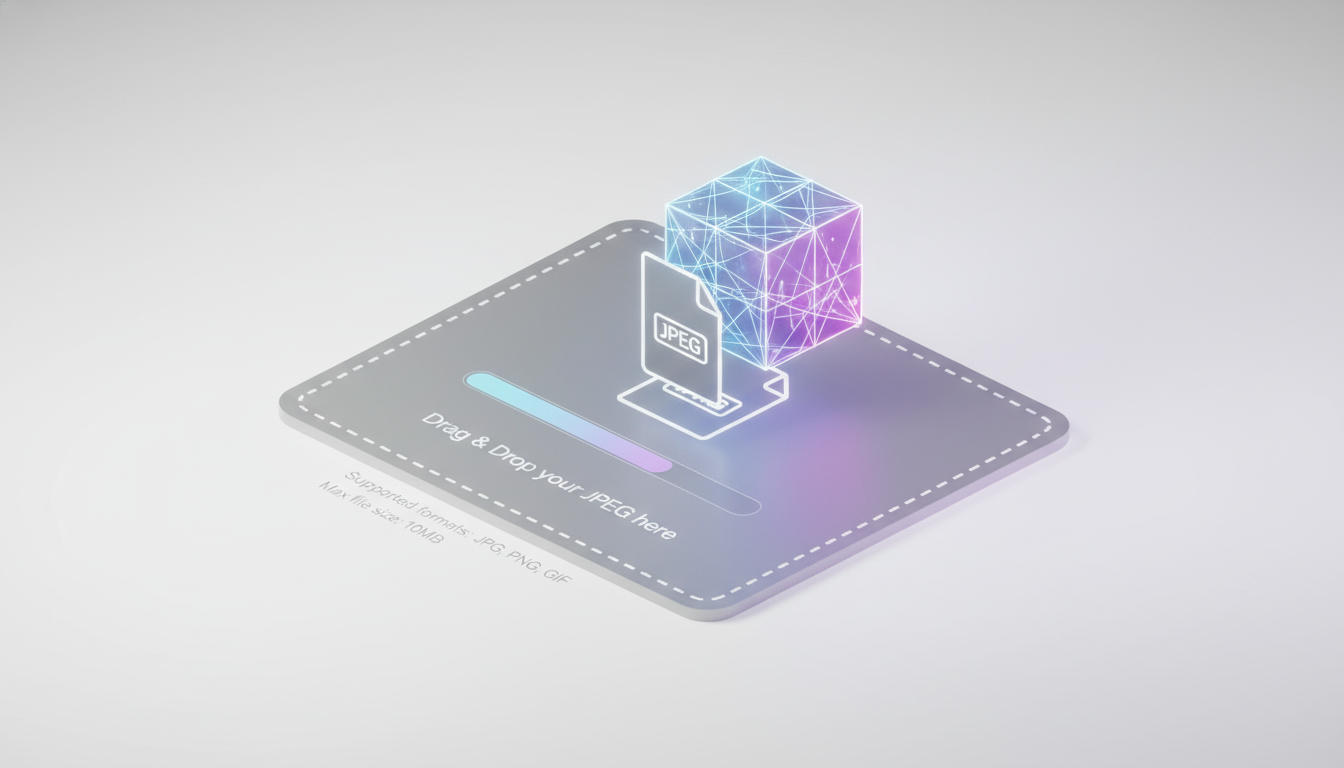
- Locate the upload area.
- Drag and drop your prepared PNG or JPEG file.
- Ensure the file uploads correctly and the preview is visible.
Step 3: Selecting the Model (The Tripo 3D Advantage)
Once your image is uploaded, you are presented with options regarding the generation engine. Haimeta integrates various models to give users choice. For the highest quality and speed, we recommend selecting the Tripo 3D model.
Why Tripo 3D? Tripo has emerged as a leader in image-to-3D synthesis. It excels in understanding complex topologies and generating clean meshes that are less prone to the "blobby" artifacts seen in older generation models. It balances texture resolution with geometric accuracy, making it ideal for everything from game assets to product visualizations.
Step 4: Generation and Comparison
After selecting the Tripo 3D model (or other available integrated models), initiate the generation process.
- Wait Time: Unlike manual modeling, this process is incredibly fast. You typically only need to wait a few minutes for the AI to process the depth maps and generate the mesh.
- Review: Once the processing is complete, the 3D model will appear in the viewer. You can rotate, zoom, and inspect the wireframe and texture quality.
Deep Dive: Analyzing the Quality of AI 3D Models
When you ask the system to convert an image, complex mathematics is at play. The AI is predicting the Unknown. It sees the front of a chair in your photo, but it must invent the back, the sides, and the texture of the cushions that are obscured.
Using the Tripo 3D model via Haimeta offers distinct advantages in this prediction phase:
- Coherence: The back of the object matches the style and logic of the front.
- Texture Mapping: The AI generates a UV map that wraps the image texture around the 3D geometry seamlessly.
- Mesh Density: The resulting 3D model usually has a poly-count that is optimized—high enough to show detail, but efficient enough to be used in rendering engines.
Best Practices for Post-Processing
While the Haimeta 3D Tool produces high-quality results, a professional workflow often includes a post-processing phase. Once you have downloaded your model:
- Mesh Cleanup: Import the model into software like Blender or ZBrush. Check for non-manifold geometry or stray vertices.
- Retopology: If you intend to animate the model, you may want to perform a quick retopology to ensure the edge loops support deformation.
- Material Refinement: The AI generates a base color texture (albedo). For photorealism, you might want to generate roughness, normal, and metallic maps based on that texture to react properly to lighting.
Applications in Modern Industry
Knowing how to turn an image into a 3D model opens doors across various sectors:
- E-Commerce: Rapidly convert product photos into 3D assets for 360-degree web viewers.
- Game Development: Generate background props, loot items, and environmental assets in minutes, freeing up artists to work on hero characters.
- Virtual Reality (VR) & Augmented Reality (AR): Populate virtual worlds with diverse objects generated from reference photos.
- 3D Printing: Convert sketches or photos of parts into printable files (ensure to check for water-tightness first).
Conclusion
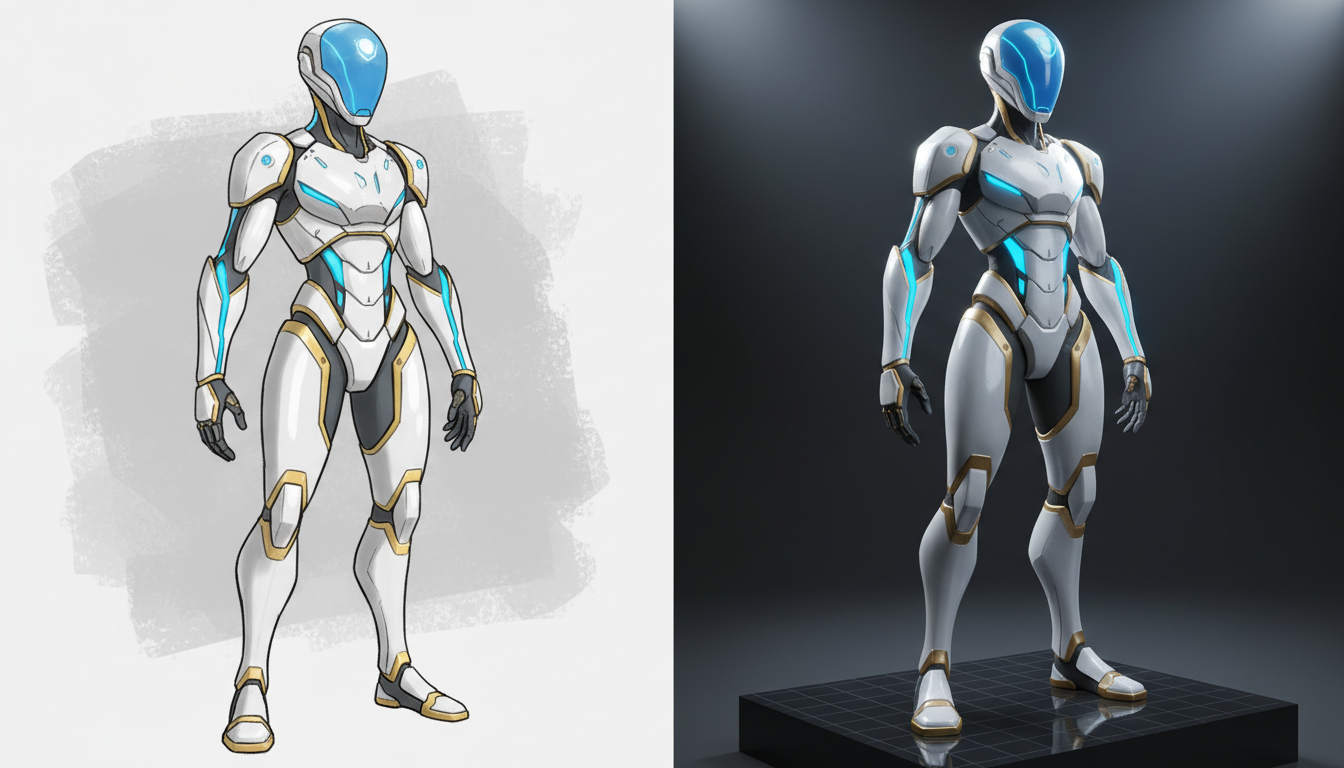
The barrier between 2D imagination and 3D reality has never been thinner. The ability to upload a simple PNG or JPEG and receive a textured, geometric model in minutes is a game-changer for the creative industry. By utilizing the Haimeta 3D Tool created by Haimeta, you are not just accessing a tool; you are leveraging an integrated ecosystem that offers the best in AI technology, including the powerful Tripo 3D model.
The future of asset creation is hybrid—combining human creativity with AI efficiency. Whether you are comparing model outputs for the perfect look or rapidly prototyping a new game level, Haimeta provides the professional infrastructure to make it happen.
Ready to transform your flat images into immersive 3D realities?
Visit the Haimeta 3D Creation Module today, upload your first image, and experience the future of 3D modeling firsthand.