
Master the Art of Blending: The Ultimate Guide to Using a 2 Image Mixer
Master the Art of Blending: The Ultimate Guide to Using a 2 Image Mixer
In the rapidly evolving world of digital artistry, the ability to merge concepts visually is a superpower. Whether you are a graphic designer looking to speed up your workflow, a marketer aiming to create unique campaign assets, or a digital artist exploring surrealism, the concept of blending two distinct images into a single, cohesive masterpiece is fascinating. Historically, this required hours of meticulous masking, color grading, and compositing in complex software like Photoshop. Today, the landscape has changed entirely.
Welcome to the era of the 2 image mixer—an AI-driven approach that creates seamless visual synthesis. Instead of simply overlaying one photo on top of another, modern AI tools analyze the semantic content of both inputs and generate a completely new image that respects the structure, lighting, and style of the originals.
In this comprehensive guide, we will explore how to leverage the Haimeta AI Image Mixer created by Haimeta to achieve professional, natural-looking results using advanced models like Nano Banana 2.
The Evolution of Image Mixing: From Layers to Latent Space
To understand the value of a professional 2 image mixer, one must appreciate the difficulty of the task. Traditional photo manipulation involves "destructive" or "constructive" editing where pixels are moved, hidden, or recolored. If you wanted to merge a photograph of a lion with a texture of a storm cloud, you would have to manually paint shadows, adjust transparency, and fight against mismatched resolutions.
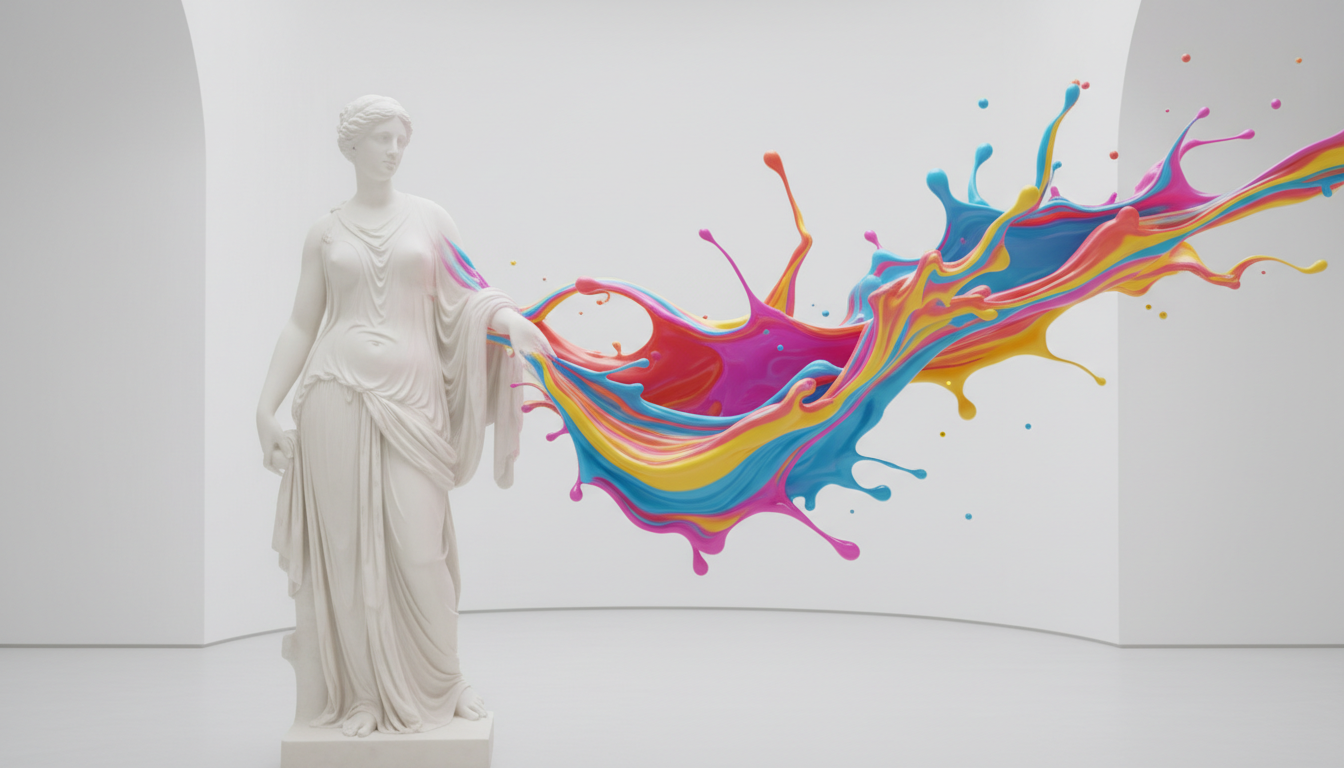
AI image mixing operates differently. It functions in what is known as "latent space." When you upload two images to the Haimeta AI Image Mixer, the system doesn't just see pixels; it sees concepts. It understands that Image A contains a "cat" and Image B contains "watercolor texture." It then dreams up a new image where the cat is composed of watercolors. This results in a fusion that feels organic rather than mechanical.
Why Haimeta is the Go-To Solution for Natural Fusion
The market is flooded with AI tools, but many suffer from the "uncanny valley" effect or overly digitized, glitchy aesthetics. For professionals seeking natural, high-fidelity results, Haimeta stands out due to its specific model architecture.
Core Selling Points of the Haimeta Workflow:
- Natural Fusion Engines: Haimeta integrates specialized models, specifically Nano Banana and Nano Banana 2, which are fine-tuned to produce realistic lighting and coherent textures rather than abstract chaos.
- Text-Guided Blending: Beyond just uploading images, you can describe exactly how you want them to mix, bridging the gap between random generation and directed design.
Step-by-Step Guide: How to Use the 2 Image Mixer
Ready to create your first masterpiece? Follow this detailed walkthrough to utilize the Haimeta AI Image Mixer effectively.
Step 1: Access the Creation Module
Navigate to the creation module. This interface is designed for simplicity without sacrificing power. You will see areas to upload your reference materials.
Step 2: Upload Your Base Images
Select your two source images carefully. The magic of a 2 image mixer relies heavily on the compatibility of your inputs.
- Input A (The Structure): Usually, this should be the image that defines the shape or composition (e.g., a portrait of a person, a silhouette of a building).
- Input B (The Style/Texture): This image dictates the aesthetic (e.g., a starry night, a marble surface, a neon cityscape).
Step 3: Crafting the Fusion Prompt
This is the most critical step. You cannot simply upload images and hope for the best; you must guide the AI. In the text description box, describe the desired outcome.
Bad Prompt: "Mix these two." Professional Prompt: "A double exposure portrait blending the silhouette of the woman from the first image with the forest landscape of the second image. Soft cinematic lighting, natural transition, highly detailed."
By describing the content you want to keep from Image A and the style from Image B, you give the model a roadmap.
Step 4: Selecting the Right Model
For the best results, Haimeta recommends selecting the Nano Banana 2 or Nano Banana models.
Step 5: Generate and Refine
Hit the generate button.
Advanced Strategies for Professional Results
Merely mixing two images is easy; mixing them well requires strategy. Here are expert tips for getting the most out of the Haimeta AI Image Mixer.
1. The Power of "Nano Banana 2"
The Nano Banana 2 model is specifically optimized for high-coherence blending. It creates a bridge between the semantic meaning of your text prompt and the visual data of your uploaded images.
Use Case Example:
- Input 1: A sketch of a shoe.
- Input 2: A photo of a strawberry.
- Prompt: "A sneaker made entirely out of fresh strawberries, organic texture, realistic seeds, fruity design."
- Model: Nano Banana 2.
- Result: A hyper-realistic image of a shoe that looks edible, rather than a shoe with a strawberry simply pasted on top.
2. Avoiding the "Tech" Aesthetic
One of the unique advantages of Haimeta's recommended models is the ability to steer away from the generic "AI Tech" look (glowing blue lines, circuit board patterns, metallic skin). By prompting for "oil painting," "charcoal sketch," or "analog photography," and using the Nano Banana model, you ensure the output retains an artistic, human touch.
Creative Applications for Industry Professionals
How can a 2 image mixer be applied in real-world scenarios?
Fashion and Textile Design
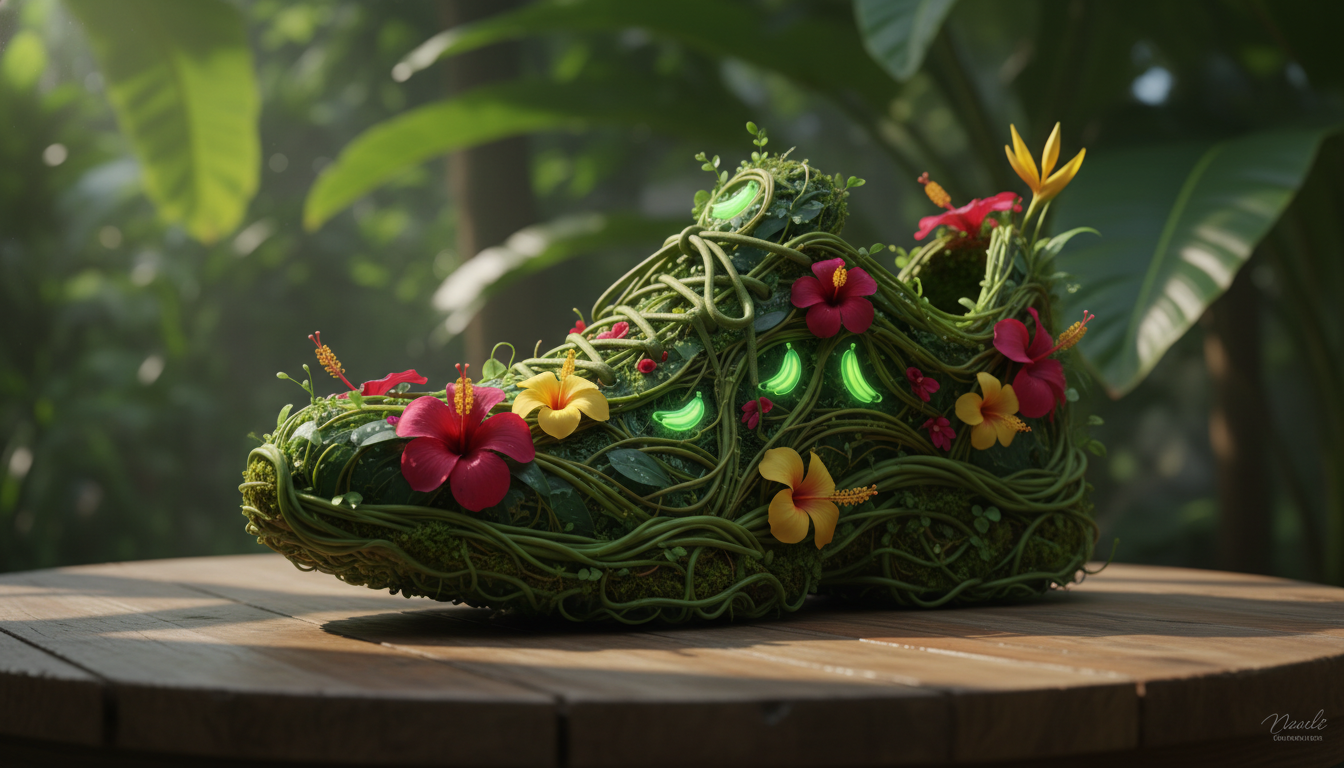
Designers can upload a garment sketch (Image A) and a photograph of a nature texture like tree bark or ocean waves (Image B). The AI can generate a realistic preview of what that garment would look like if constructed from that material, providing instant inspiration for textile patterns.
Interior Design Visualization
Architects can blend a photo of an empty room with a style reference (e.g., "Art Deco Hotel"). The mixer will retain the room's perspective but re-skin the walls, furniture, and lighting to match the reference style, allowing for rapid prototyping of mood boards.
Marketing and Advertising
Create thumb-stopping visuals by merging product shots with emotive landscapes. Imagine a perfume bottle blended with a burst of spring flowers. Instead of an expensive photo shoot, the 2 image mixer generates the concept in seconds, allowing for A/B testing of different visual metaphors.
Conclusion: The Future of Composition is Here
The ability to mix two images is no longer just a fun trick; it is a fundamental shift in how we create digital content. It allows for the cross-pollination of ideas that were previously incompatible.
By using the Haimeta AI Image Mixer created by Haimeta, you are accessing top-tier generative technology. The combination of dual-image input, precise text descriptions, and the superior rendering capabilities of the Nano Banana models ensures that your creations are not just novel, but professionally usable.
Don't let your creativity be limited by your manual editing speed. Embrace the power of AI fusion and start creating the impossible today.
Ready to blend your reality? Visit the Haimeta Creation Module now and experience the Nano Banana difference.