
Transforming Your Rough Drawing to Color Masterpieces with AI: The Complete Guide
Transforming Your Rough Drawing to Color Masterpieces with AI: The Complete Guide
Every great visual idea begins with a humble sketch. Whether it is a doodle on a napkin or a quick pencil outline, the sketch is the seed of creativity. However, for many, the journey from that initial drawing to color—the process of finalizing the image—is the hardest part.
Fortunately, creativity just got easier. We have entered a new era where simple tools can bridge the gap between imagination and execution.
In this guide, we will explore how you can take a casual, rough draft and instantly transform it into a polished image using style-specific templates. We will focus on Sketch2Image, a fun and easy tool integrated by Haimeta.
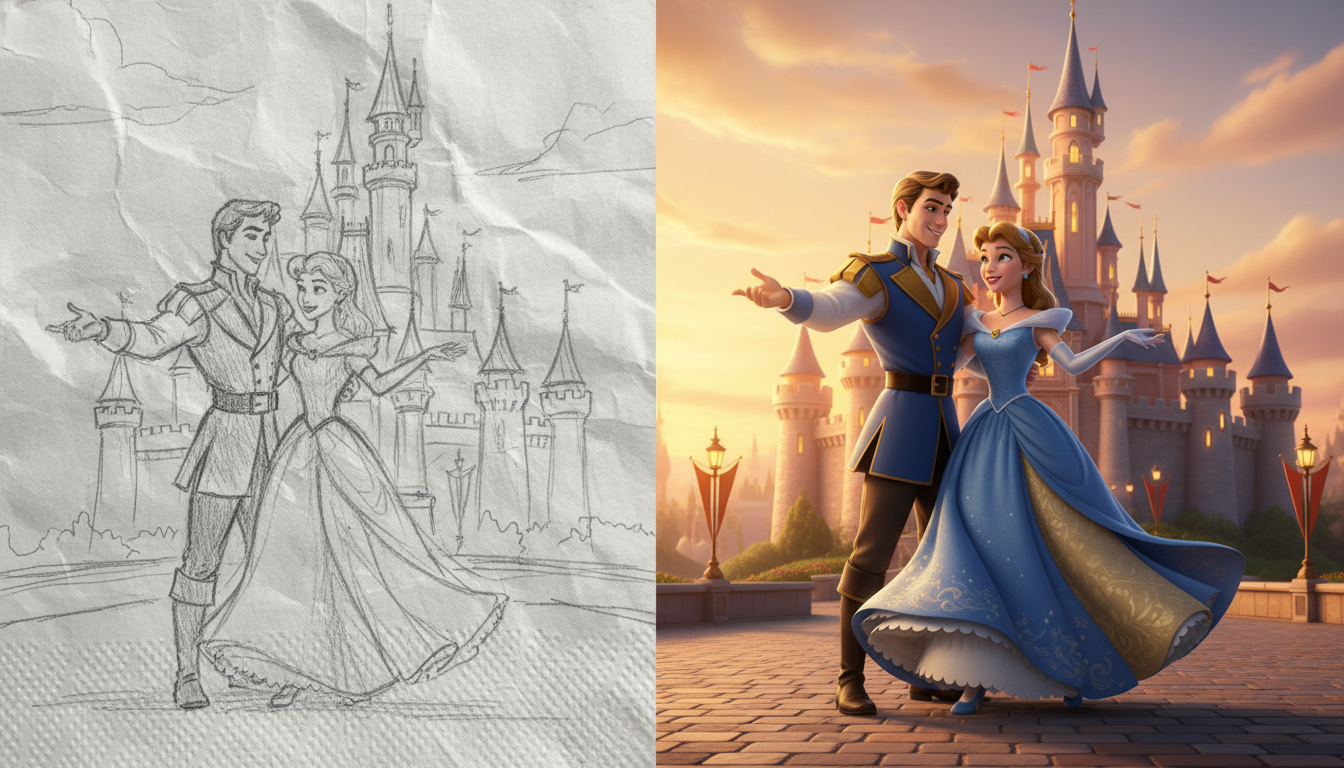
Making Art Accessible
The Old Struggle
Traditionally, taking a drawing to color required serious artistic skills in shading and texturing. You might have a great idea, but without hours of work, it remains just a black-and-white outline. This often discourages creators from finishing their work.
The Simple Solution
New tools allow you to skip the hard work. By using this simple AI integration, the tool interprets your lines and applies a rendering style automatically. This allows you to focus on your ideas rather than the technical details of painting.
Introducing Sketch2Image
If you are looking for a quick way to convert your drawing to color, check out Sketch2Image on Haimeta.
This tool is designed for ease of use. You don't need to type complicated descriptions; you just upload your sketch and pick a style.
Why You'll Love It
- Draft-Friendly: You do not need a clean drawing. You can upload a photo of a messy pencil sketch or a quick digital doodle.
- Fun Styles: You can select specific aesthetic templates. Options include:
- The Addams Family: Dark and moody.
- The Simpsons: Bright yellows and cartoon vibes.
- Disney/Pixar: Soft 3D looks.
- Cyberpunk, Watercolor, Anime, and more.
- Automatic Polish: No need to color inside the lines. The tool handles the coloring and texturing for you.
- Fast Results: Perfect for visualizing ideas quickly.
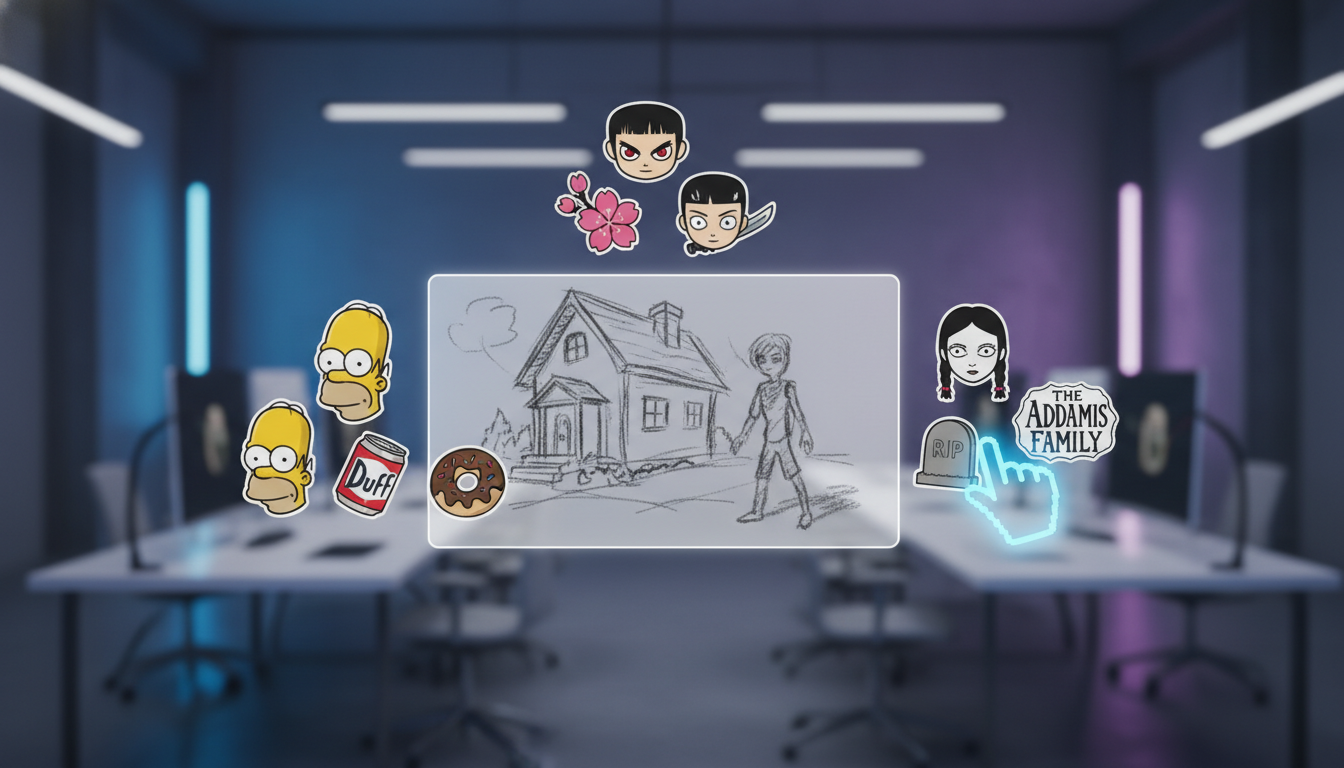
How to Go from Drawing to Color
Using Sketch2Image is intuitive. Here is how to use it.
Step 1: Get Your Sketch
Start with your drawing.
- For Pencil Sketches: Take a clear photo.
- For Digital Sketches: A simple black outline on a white background works best.
Step 2: Upload to Haimeta
Go to the Sketch2Image page on Haimeta. Drag and drop your sketch into the area.
Step 3: Pick a Style
This is the best part. Simply click the template you want.
- Want a spooky look? Click the Addams Family template.
- Want a cartoon look? Click the Simpsons template.
Step 4: Generate
Click generate. In moments, your drawing to color transformation is done. The tool fills in your sketch with colors and textures that match the style you chose.
Who is This Tool For?
Sketch2Image is great for everyone.
1. Fan Art
Fans love creating new content. With this tool, you can sketch a rough pose of a character, apply an anime or Disney style, and get a cool image instantly. It makes creating fan art accessible to everyone.
2. Quick Concepts
If you have an idea for a character or a scene, you don't need to spend days painting it. Sketch the outline, run it through a few different style templates, and see your idea come to life in different ways.
3. Fashion and Design
A quick sketch of a dress or a shoe can be instantly visualized. It helps you see what your design might look like as a finished product.
4. Just for Fun
Kids and hobbyists love seeing their drawings turn into "real" pictures. It’s a great way to spark creativity.
Tips for Best Results
- Framing: Make sure your drawing fills the frame.
- Experiment: Don't stop at one style. A sketch intended for a realistic look might look amazing in a cartoon style. The tool allows you to try as many as you like.

Conclusion
Turning a drawing to color used to require a lot of skill and patience. Today, it requires only a sketch and the right tool.
Upload your casual sketches, choose your favorite style, and let the tool handle the rest. There is no need for tedious coloring.
Ready to try it?
Visit Haimeta today and use the Sketch2Image tool to bring your sketches to life.