
How to Unwatermark Images Instantly: A Professional Guide to Cleaner Visuals
How to Unwatermark Images Instantly: A Professional Guide to Cleaner Visuals
In the high-stakes world of digital marketing, e-commerce, and content creation, visual fidelity is everything. A single distraction can lower conversion rates, disrupt the aesthetic flow of a website, or reduce the perceived value of a product. One of the most persistent challenges professionals face is the presence of unwanted stamps, logos, or text overlays on essential imagery. The ability to unwatermark images effectively—without destroying the underlying details—has become a crucial skill in the modern designer’s toolkit.
Whether you are trying to restore an old company asset where the original source file is lost, or you are mocking up a design using stock photography before purchasing the license, the need for a clean image is paramount. Gone are the days of spending hours in complex photo-editing software, manually cloning pixels and hoping the lighting matches. Today, artificial intelligence has revolutionized this workflow.
In this comprehensive guide, we will explore the top scenarios where watermark removal is essential, how AI technology preserves image integrity, and introduce you to a powerful solution: the Unwatermark tool created by Haimeta.
The Professional Necessity: Why You Need to Unwatermark Images
Before diving into the "how," it is vital to understand the "why." Removing watermarks is not merely about aesthetics; it is about communication and asset management. When an image is cluttered with overlays, the viewer's focus is split. For businesses, this split attention translates to lost revenue.
1. Restoring Lost Corporate Assets
Many businesses struggle with legacy data management. It is not uncommon for a company to lose the original high-resolution raw files of product photos taken years ago. Often, the only remaining versions are low-resolution copies with draft watermarks or date stamps saved in a CMS. To repurpose these images for new catalogs or social media throwback posts, you must unwatermark them to restore their professional sheen.
2. enhancing Design Mockups
Graphic designers often need to present "mood boards" or concept layouts to clients. Using watermarked images can make a pitch look unfinished or cheap. By cleaning the images for the presentation phase (while adhering to licensing protocols for the final product), designers can help clients visualize the final outcome without distraction.
3. E-commerce Cleanliness
In the world of online retail, marketplaces often automatically stamp images with platform logos. If a seller wants to expand to a different platform or their own website, they need to reclaim their original product shots. An unwatermark tool allows them to strip away platform-specific branding and maintain a consistent brand identity across channels.
5 Critical Scenarios for AI Watermark Removal
Removing watermarks manually is tedious. However, automated AI solutions have opened up new possibilities for efficiency. Here are five specific scenarios where using an automated tool transforms the workflow.
Scenario 1: Real Estate Photography
Real estate agents often share listings across Multiple Listing Services (MLS), which apply automated watermarks. When an agent moves a listing to a brochure or a dedicated property website, those watermarks can obscure vital details like architectural features or window views.
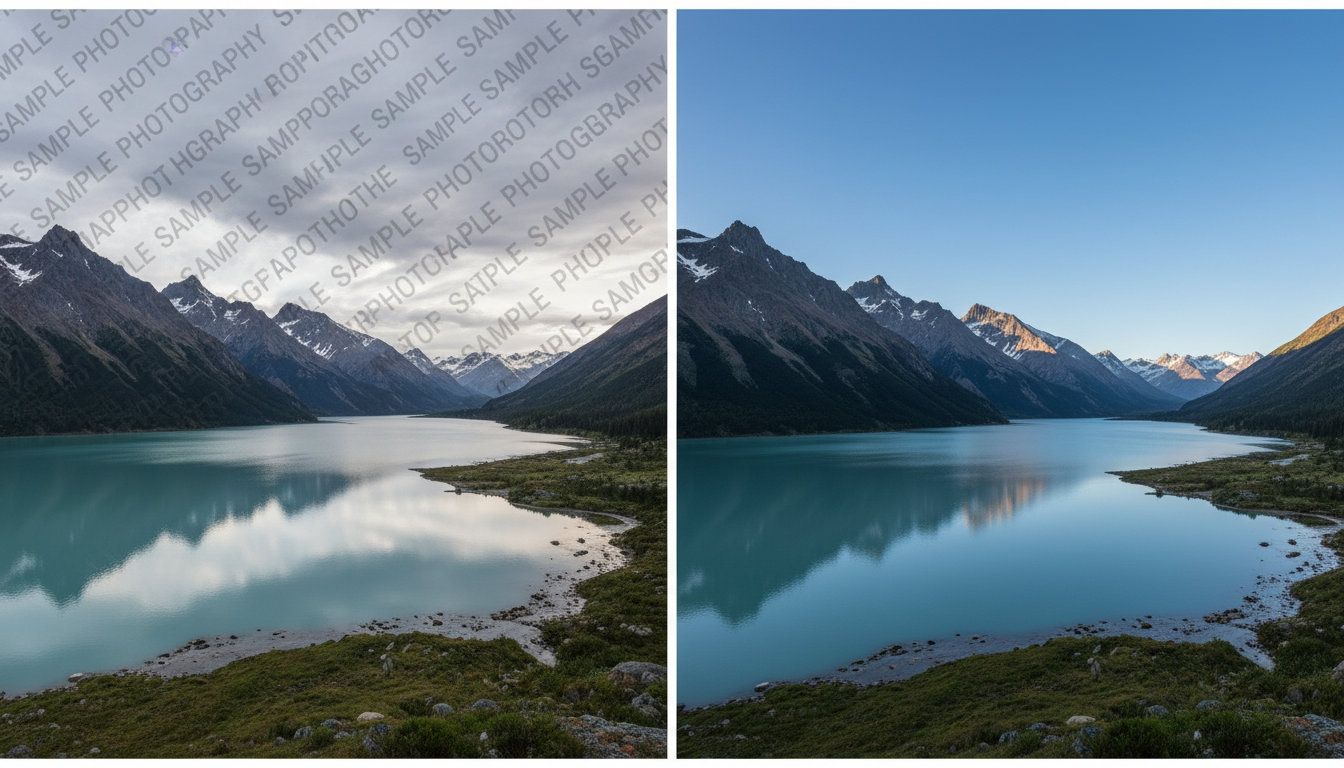
The Challenge: Manually editing out a watermark from complex textures like brickwork, grass, or sky gradients is incredibly difficult. The Solution: AI unwatermark tools can recognize the pattern of the overlay and reconstruct the background, ensuring the blue sky looks like the sky, not a smudged blur.
Scenario 2: Influencer Marketing and Social Media
Content creators often collaborate with photographers who provide proofs. To select the best shots for editing, creators need to see the image clearly. Furthermore, repurposing content from one platform (like TikTok, which adds a watermark) to another (like Instagram Reels) is essential for growth. Algorithms often penalize videos and images with competitor logos. Removing these marks is essential for organic reach.
Scenario 3: Archival Restoration
Museums, libraries, and families often possess digital scans of old photographs that were aggressively watermarked by early digitalization software or hosting sites. To preserve history and view these images in their intended glory, restorationists use unwatermark technology to reveal the faces and details hidden behind the text.
Scenario 4: Product Retouching
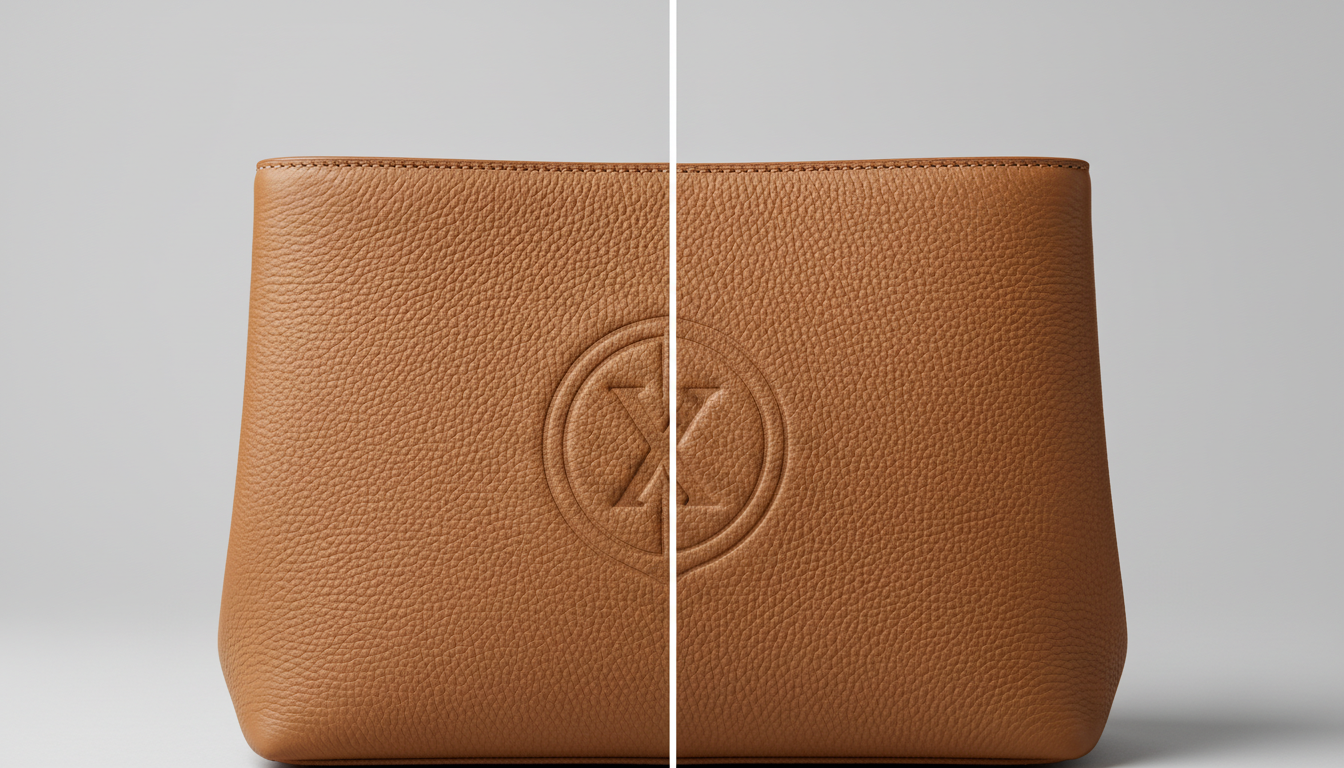
Sometimes, a watermark isn’t a copyright logo but an unwanted timestamp or a camera setting overlay left by accident. These small text blocks can ruin a perfect product shot. Removing them ensures the product remains the hero of the image.
Scenario 5: Presentation Decks
Corporate presentations require high-impact visuals. A slide background with a faint "SAMPLE" text repeating diagonally across it distracts stakeholders from the data being presented. Cleaning these backgrounds ensures the audience focuses on the message, not the medium.
Introducing the Haimeta Solution
Market demand for quick, clean image restoration has led to the development of specialized tools. Leading the charge is the Unwatermark module created by Haimeta.
Unlike traditional editing software that requires a steep learning curve, Haimeta’s solution is designed for instant usability and superior quality retention. The core value proposition is simple yet profound: Just upload the picture, and the AI will automatically identify the watermark content and eliminate it, keeping the integrity of the original picture.
Why Haimeta Unwatermark Stands Out
- Automatic Recognition: There is no need to manually highlight or "brush" over the watermark. The AI analyzes the image, distinguishes between the foreground subject and the overlay text or logo, and targets only the unwanted elements.
- Integrity Preservation: The biggest fear when erasing elements is the "smudge effect." Poor quality tools simply blur the pixels. Haimeta's advanced algorithms predict what lies behind the watermark, filling in textures and colors to match the surrounding area seamlessly.
- Speed: What used to take 30 minutes in Photoshop now takes seconds.
Step-by-Step Guide: How to Unwatermark Your Images
Using modern AI tools is incredibly straightforward. Here is a step-by-step walkthrough of how to transform a cluttered image into a pristine asset using the Haimeta platform.
Step 1: Analyze Your Image
Before uploading, ensure your image is of decent resolution. While AI is powerful, it works best when there is sufficient pixel data to analyze. Formats like JPG and PNG are standard.
Step 2: Access the Tool
Navigate to the Unwatermark page. The interface is designed to be clean and distraction-free, focusing entirely on the task at hand.
Step 3: Upload and Process
This is where the magic happens. You simply upload your file. There is no need to draw masks or adjust tolerance levels. The system initiates the removal process immediately upon upload.
- The AI Process: In the background, the neural network identifies the geometry of the watermark—whether it is semi-transparent text, a solid logo, or a timestamp. It then "inpaints" the area, generating new pixels that are statistically likely to belong there based on the surrounding context.
Step 4: Review and Download
Once processed, you will be presented with the clean image. Compare it to the original. You will notice that edges remain sharp, textures like skin or fabric are uninterrupted, and the lighting gradient is consistent. Once satisfied, download the image for your use.
The Difference Between Smudging and AI Reconstruction
To appreciate the value of a professional unwatermark tool, one must understand the difference between old-school methods and AI.
The Old Way (Clone Stamp / Blur):
- Method: Copying pixels from a nearby area and pasting them over the watermark.
- Result: Often results in repeating patterns (artifacts) or noticeable blurry patches. It ruins the texture of complex surfaces like hair, water, or grass.
- Effort: High. Requires manual dexterity and time.
The New Way (AI Inpainting):
- Method: The AI understands the context of the image. If a watermark covers a bird's wing, the AI doesn't just copy feathers from the tail; it generates wing feathers that fit the anatomy and lighting of that specific area.
- Result: A natural-looking image where the edit is invisible to the naked eye.
- Effort: Zero. The process is automated.
Ethical Considerations and Best Practices
While the technology to unwatermark images is powerful, it must be used responsibly.
- Copyright Compliance: Always ensure you have the right to modify and use the image. This tool is excellent for cleaning up assets you own, processing licensed stock photos for final layouts (after purchase), or restoring public domain works. It should not be used to infringe on the intellectual property rights of artists.
- Transparency: If you are retouching product photos, ensure the removal of the watermark (or other elements) does not misrepresent the product to the consumer.
Conclusion
In a visual-first digital landscape, the clarity of your imagery can define your brand's reputation. Watermarks, timestamps, and unwanted logos create visual noise that distracts from your message.
The ability to quickly and cleanly unwatermark images is no longer a luxury reserved for Photoshop experts—it is an accessible necessity for everyone from social media managers to real estate agents. With tools like Unwatermark created by Haimeta, you can restore the beauty of your photos in seconds, ensuring that your visuals are as professional and impactful as your business.
Stop letting unwanted overlays compromise your content. Upload your image today and experience the difference of AI-powered restoration.
Explore More About Unwatermarking Images
Looking to dive deeper into AI-driven image restoration? For more in-depth guides, professional reviews, and tips on how to effectively unwatermark your digital assets, check out our comprehensive series below:
- How to Unwatermark Images: The Ultimate Professional AI Guide
- How to Unwatermark Images Instantly: A Professional Guide to Cleaner Visuals
- Unwatermark Review: The Professional Solution to Restore Image Integrity
- The Art of Visual Clarity: How to Unwatermark Images and Reclaim Your Digital Assets
- The Ultimate Guide to Unwatermark Images: AI Automation vs. Manual Editing