
How to Build a 3D Character in Seconds: A Friendly Review of Haimeta
How to Build a 3D Character in Seconds: A Friendly Review of Haimeta
Have you ever pictured a wildly imaginative character in your mind and wished you could instantly pull them into the real world? Whether it is a brave knight for your next tabletop campaign, a cute mascot for a personal project, or just a fun avatar that represents your unique personality, bringing characters to life has always been a dream for many creatives. However, if you have ever looked up how to build 3d character models online, you probably stumbled into a wall of incredibly complex software tutorials. Traditionally, building a 3D character meant spending months learning about polygon counts, topology, rigging, and UV mapping.
But what if you didn't have to do any of that? What if you could just tell a tool what you wanted, and it built it for you?
Today, we are looking at a magical solution that does exactly that. Say goodbye to the endless tutorials and frustrating software crashes. In this friendly, comprehensive review, we are diving deep into Haimeta 3D created by Haimeta, a revolutionary platform that is changing the game for creators everywhere.
The Traditional Struggle vs. The Haimeta Magic
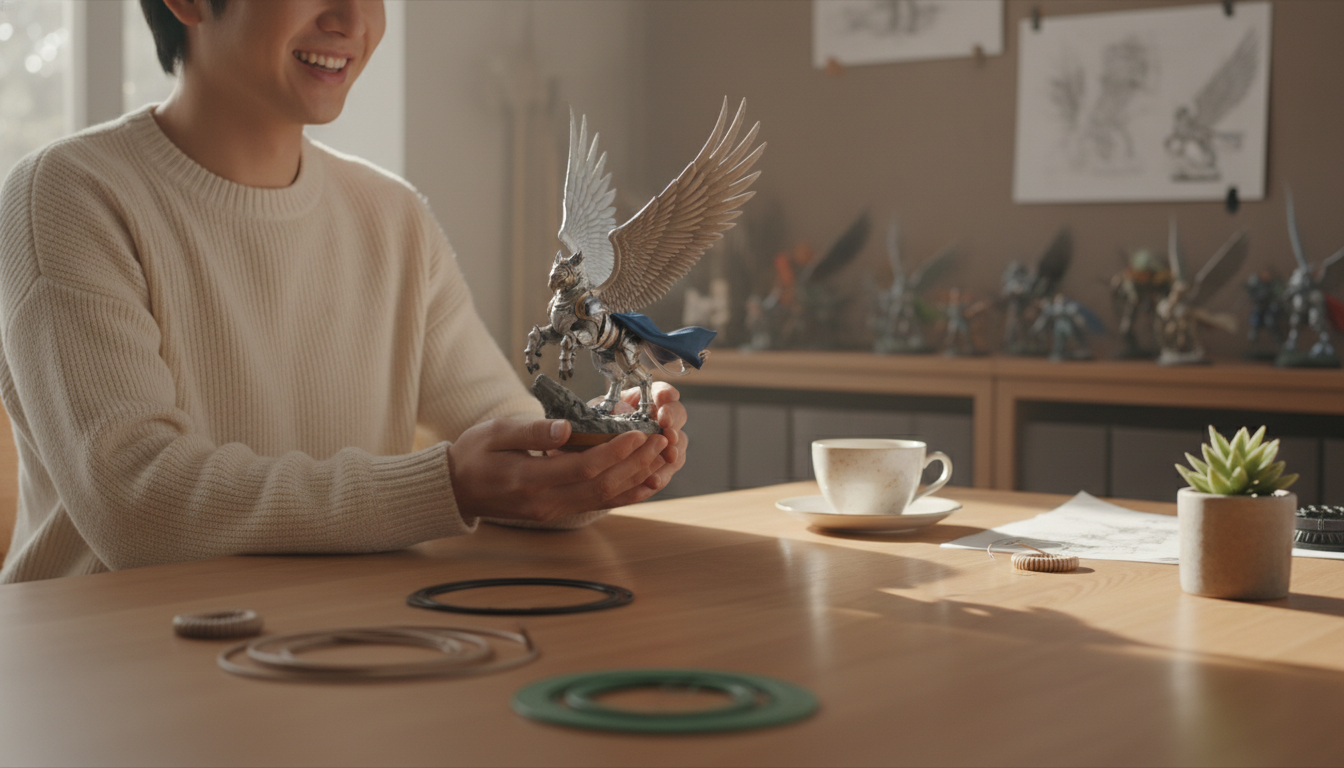
Let us be honest: learning how to build 3d character models from scratch is hard. For decades, the 3D industry has been gated behind steep learning curves. You would need to sketch your idea, sculpt it in a digital clay program, retopologize it so the computer could understand the shapes without lagging, paint the textures, and finally render it. If you are not a professional 3D artist, this process can entirely drain the joy out of your creative idea.
This is where Haimeta steps in like a breath of fresh air. Haimeta removes the technical barriers entirely. You do not need to know what a "normal map" is or how to extrude a digital face. The platform operates on one beautifully simple concept: Input your desired character image or description, click generate, and let the integrated 3D models build your favorite 3D figure.
It really is that simple. You are no longer restricted by your technical skills; you are only limited by your imagination.
Core Selling Points: Why Haimeta Stands Out
If you are searching for how to build 3d character assets quickly, you will find a few options on the market. But Haimeta shines exceptionally bright due to a few core selling points that we absolutely love.
1. Just Type, Click, and Create
The user interface is wonderfully intuitive and friendly. You do not need an engineering degree to navigate the platform. The main dashboard simply asks you what you want to create. You type in your prompt—for example, "A cheerful little fox wearing a tiny green backpack and a red scarf"—and hit the generate button. Within moments, the platform processes your request and provides a stunning, fully realized 3D model. It feels less like using software and more like having a conversation with a highly skilled artist who instantly sketches your thoughts.
2. Powered by the Best: Tripo 3.0 and Rodin 2.0
You might be wondering, "How does it actually make the characters look so good?" The secret lies in the engines running under the hood. Haimeta integrates some of the most powerful and market-leading generative models available today, specifically Tripo 3.0 and Rodin 2.0.
We promised not to bore you with heavy technical jargon, so here is what you need to know in plain English: Tripo 3.0 and Rodin 2.0 are like master sculptors. They understand the nuances of shapes, colors, and proportions better than almost any other tool on the market. While older generation tools might give you lumpy, unrecognizable blobs, these integrated models deliver crisp, clean, and beautifully stylized characters. They ensure that the 3D character you get back actually looks like the cool idea you had in your head.
Step-by-Step Guide: How to Build 3D Character Models with Haimeta
Are you ready to jump in and create? Here is a friendly step-by-step guide to bringing your imagination to life using Haimeta.
Step 1: Brainstorm Your Character
Before you head over to Haimeta 3D, take a moment to imagine your character. What do they look like? What are they wearing? Are they a human, an animal, or a fantasy creature? The more specific you can be in your mind, the better.
Step 2: Write a Great Prompt
When you sit down to use the tool, describe your character clearly. You do not need to use computer code; just talk to it like you are describing your character to a friend.
- Okay Prompt: "A dog in a suit."
- Great Prompt: "A golden retriever standing on two legs, wearing a sharp navy-blue business suit with a red tie, smiling happily."
Step 3: Click Generate
Once your description is ready, just hit the generate button. Now, sit back and take a sip of your coffee. The integrated Tripo 3.0 and Rodin 2.0 models will work their magic.
Step 4: Admire and Download
In just a short time, your character will appear on your screen. You can spin it around, look at it from all angles, and marvel at what you just created. Once you are happy with it, you can download your brand-new 3D model to use however you see fit!
Real-World Ways to Use Your New 3D Characters
Now that you know how to build 3d character models with just a few keystrokes, what can you actually do with them? The possibilities are endless and wildly fun!
1. Tabletop Gaming
If you play games like Dungeons & Dragons or other tabletop roleplaying games, you know how hard it is to find the perfect miniature for your character. Usually, you have to settle for something that "kind of" looks like your hero. With Haimeta, you can generate your exact character, send the file to a 3D printer, and have a physical, one-of-a-kind figurine to place on the game board at your next session.
2. Custom Gifts for Friends
Imagine generating a cute 3D avatar based on your best friend's hobbies or personality. You could create a little 3D baker if they love baking, or a tiny hiker if they love the outdoors. Getting these 3D printed makes for an incredibly thoughtful and unique birthday gift that they will cherish forever on their desk or bookshelf.
3. Storyboarding and Art Reference
If you are an illustrator or a writer, having a 3D reference of your character can be incredibly helpful. You can use the model to understand how light hits their face or how their proportions look from different angles. It is a fantastic tool to keep your art consistent.
Why Tripo 3.0 and Rodin 2.0 Make a Difference
Let us take a brief moment to appreciate the true stars of the show: the integrated models. When learning how to build 3d character assets, quality is everything. Nobody wants a character that looks like a melted candle.
Haimeta's choice to integrate Tripo 3.0 and Rodin 2.0 is what elevates this tool from a fun gimmick to a genuinely useful platform. These models have been trained to understand artistic intent. They know that a "cute" character should have certain proportions, and a "fierce" character needs a different posture. Because they are currently some of the best-performing models on the market, you get to skip the frustration of trial and error. You ask for a high-quality character, and that is exactly what you get. It is like having a premium art studio right at your fingertips.
Final Thoughts: Embrace the Joy of Creation
Figuring out how to build 3d character models used to be a daunting, exhausting task reserved for professionals with years of training. Today, that barrier is completely gone. Creativity should be accessible to everyone, regardless of their technical background.
With its friendly interface and incredibly powerful integrated engines like Tripo 3.0 and Rodin 2.0, Haimeta has proven that creating 3D art can be as simple as writing a sentence. Whether you are looking to print a cool new toy for your desk, create a custom avatar, or just have fun seeing your imagination come to life, this tool makes the entire process an absolute joy.
So why wait? If you have a character bouncing around in your head, it is time to let them out. Head over to Haimeta 3D created by Haimeta today, type in your wildest ideas, and experience the magic of instant 3D character creation for yourself!