
How to Create Cinematic Action & Sports Videos with Seedance 2.0
How to Create Cinematic Action & Sports Videos with Seedance 2.0
From wingsuit flights to street chases — generate adrenaline-fueled video content with AI.
Action and sports content is one of the most technically demanding video genres. Camera tracking, motion blur, speed ramps, dynamic angles — these require real crews and expensive gear. With Seedance 2.0 on Haimeta, you can generate publication-ready action sequences from a single reference image and a detailed prompt.
This guide covers the exact templates and techniques used in proven Seedance 2.0 action video workflows.
Why Seedance 2.0 for Action Content?
The model handles several technical challenges that make action video generation difficult:
- Motion blur simulation — high-speed sequences maintain realistic blur without distortion
- Camera movement language — handheld shake, tracking shots, and first-person perspectives render naturally
- Character identity consistency — your reference image subject is maintained across cuts
- Cinematic atmosphere — lighting, weather, and environment integrate cohesively
Use Case 1: Urban Chase Sequence
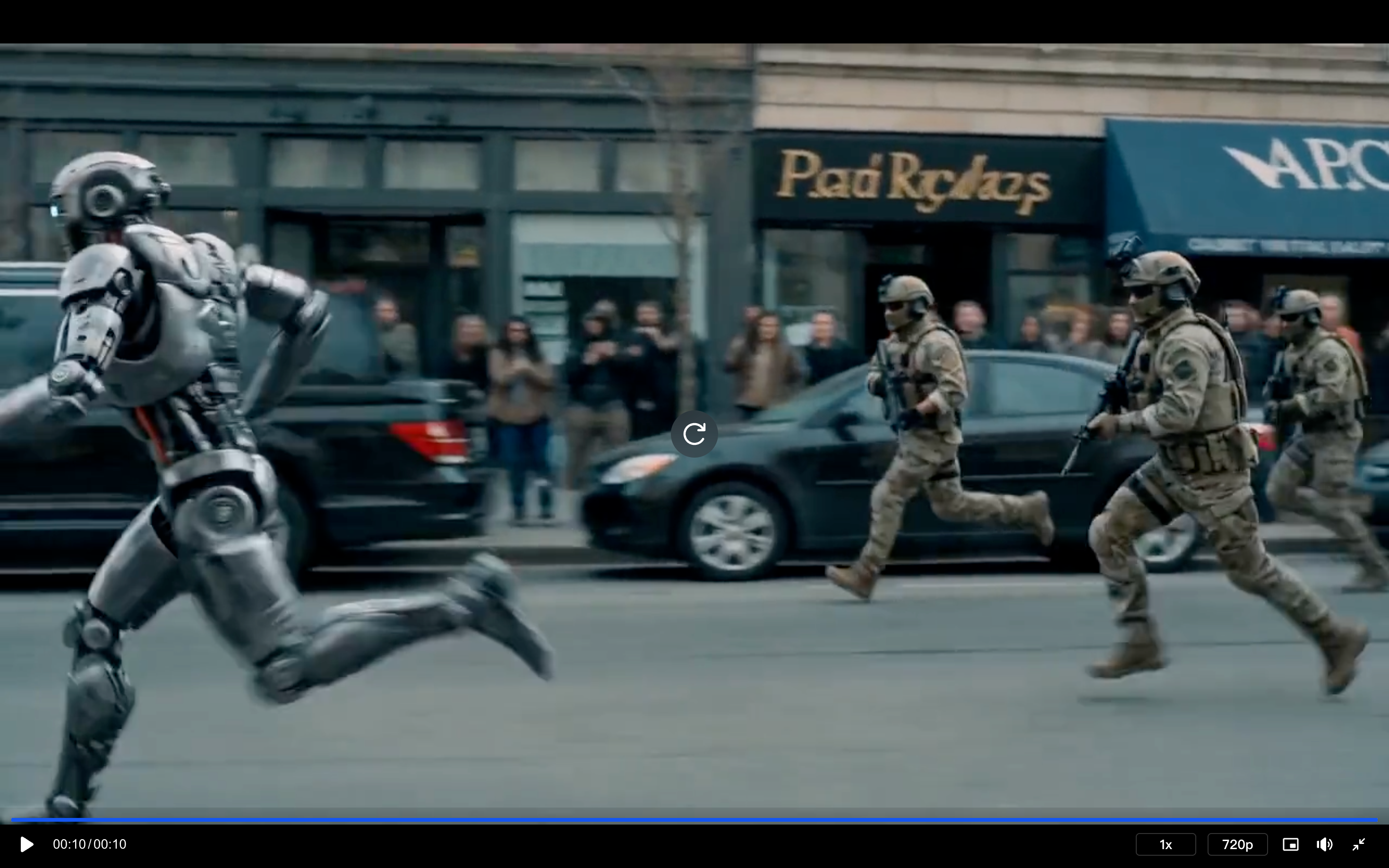
The classic foot chase is one of the most cinematic action formats. This template generates a fast, tension-driven urban escape.
Input Required
- 1 reference image of your protagonist character
Prompt Formula
"The camera follows the protagonist in a high-speed escape, with a crowd in hot pursuit. The shot transitions to a side-angle tracking shot as the panicked protagonist crashes into a roadside fruit stand, scrambles back up, and continues to flee amidst the chaotic sounds of the crowd."
Settings: Fast/2.0, 16:9, 10s
What the AI Generates
The model interprets the tracking shot instruction naturally — it will shift from behind-character to side-angle mid-sequence, just as a real cinematographer would. The ambient crowd sound cue also influences the overall visual energy of the scene.
Use Case 2: Wingsuit Flying — Character Transformation Scene
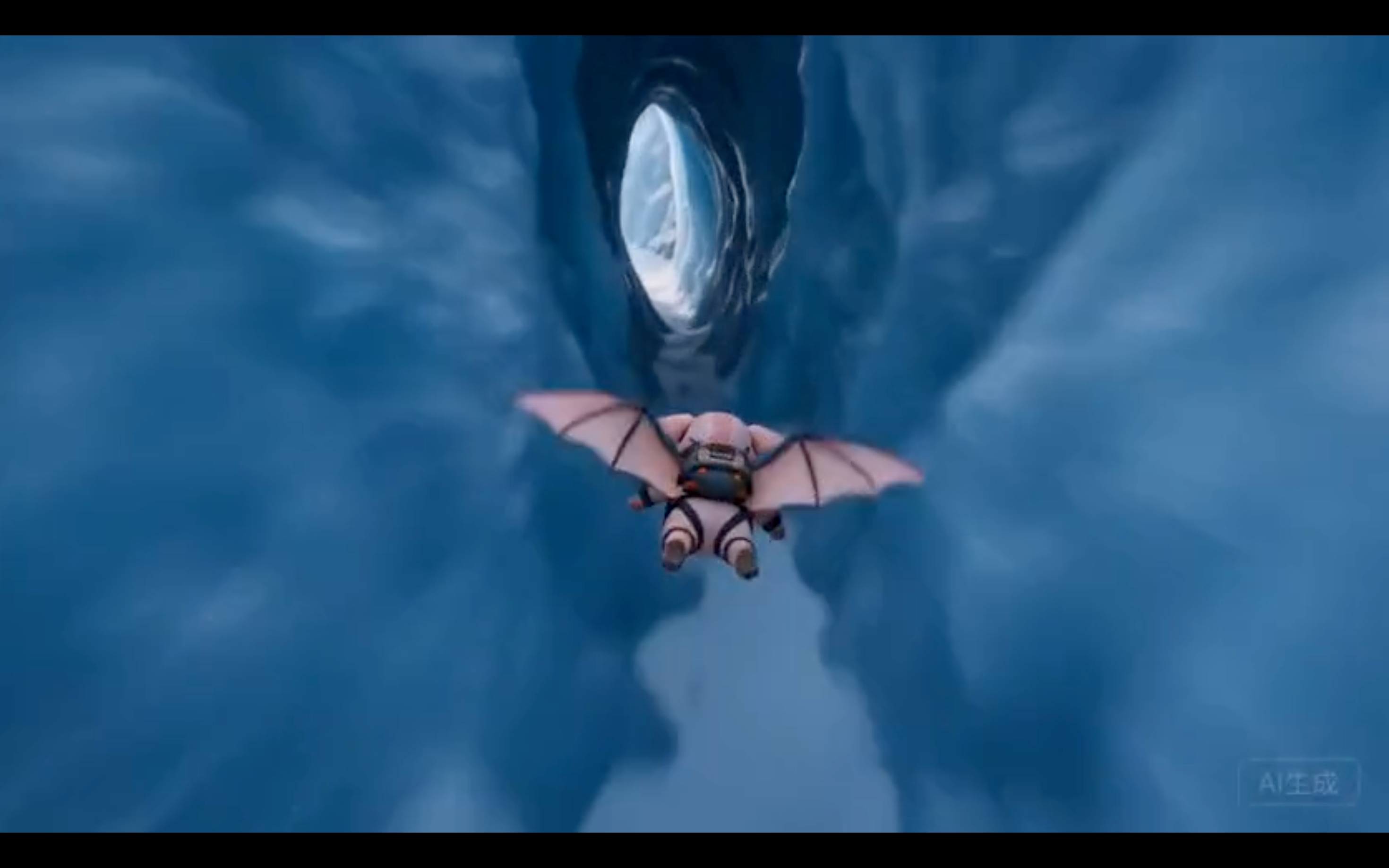
This is one of the most technically impressive Seedance 2.0 templates: transform any character image into a professional wingsuit pilot in a cinematic alpine setting.
Input Required
- 1 reference image of any character (illustrated, real, or stylized)
How It Works
The prompt instructs the model to:
- Preserve 100% of the character's visual identity — face, style, color palette, design elements
- Outfit the character as a wingsuit pilot with gear matching their aesthetic
- Set the scene at dawn on a snow-capped mountain with cinematic lighting
Prompt Structure
"Strictly restore the core visual features, overall art style, character design, color system, and signature elements of the reference image. The character becomes a professional wingsuit pilot wearing a flight suit that perfectly matches the original character's style and color scheme. The visor is flipped up to fully reveal the character's head and identifying features. Background: snow-capped mountain peak at dawn, rolling sea of clouds, golden-pink sunrise light on the horizon. Film-level cinematic quality."
The video title concept: "Snow Peak Leap"
Settings: Fast/2.0, 16:9, 15s
Why This Template Is Powerful
This workflow is ideal for:
- IP character marketing (game characters, mascots in action scenarios)
- Content creator personal brand videos
- Sports brand campaigns featuring stylized athletes
Use Case 3: Snowboarding Action Film (Timeline-Controlled)
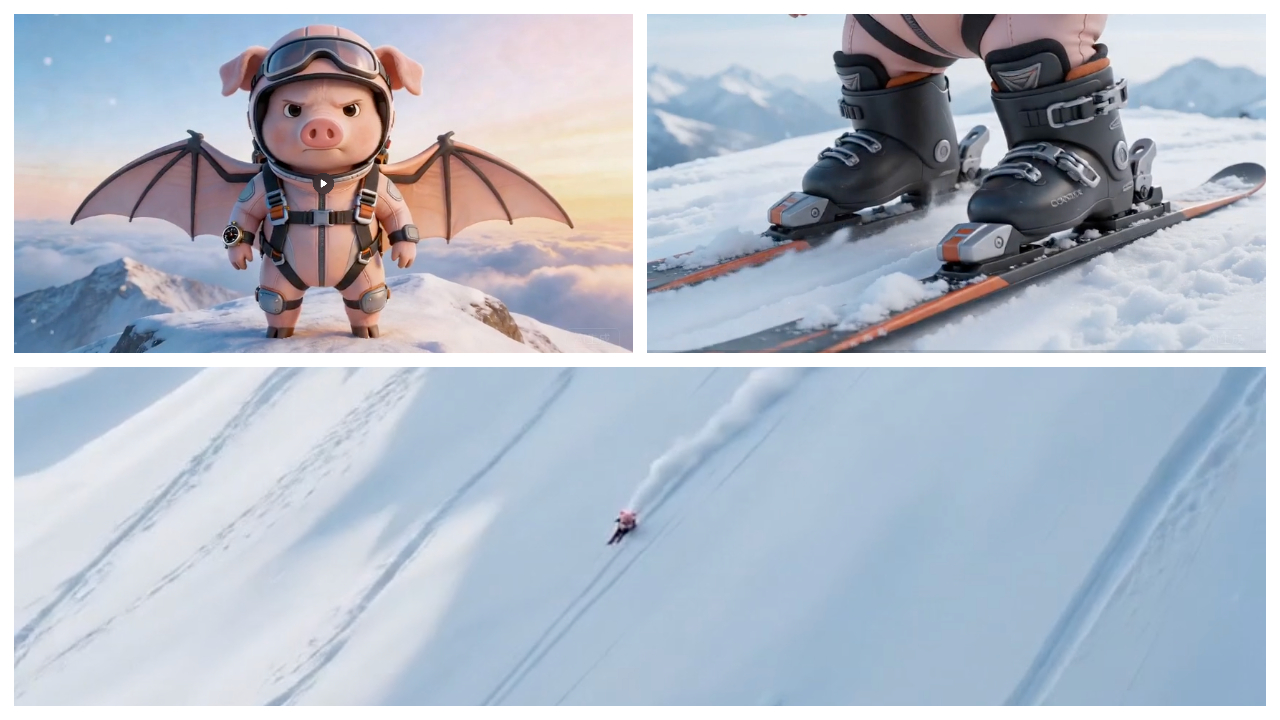
This template uses timestamp-structured prompts to create a fully directed 15-second ski film sequence.
Prompt Timeline Structure
The prompt is written as a shot list with second markers:
| Timestamp | Shot Description |
|---|---|
| 0–3s | Character smiles at camera, snow falling, wind builds |
| 3–5s | Close-up of boots locking into snowboard bindings |
| 5–8s | High-speed descent — side tracking + bird's-eye view |
| 8–11s | Low-angle ground shot, snow powder flying; carving turns |
| 11–13s | Character rushes toward camera, sharp turn, snow burst |
| 13–15s | Snow powder splashes directly on the lens, blurred freeze frame |
Why Timeline Prompts Work
Seedance 2.0 responds well to temporal sequencing in prompts. By specifying what happens in each second range, you get a structured, edited-feeling output rather than a single continuous shot. This is the closest thing to "AI video editing" available in a single generation.
Video title concept: "Blade Through Snow"
Settings: Fast/2.0, 16:9, 15s
Use Case 4: Combat Sports (Boxing Gym)
Gritty, realistic sports footage is another area where Seedance 2.0 performs exceptionally well.
Prompt Formula
"Handheld shot, circling two boxers engaged in live combat practice in a dilapidated gym, with their punches deliberately avoiding each other. Sweat splashes, fierce impacts, rapid breathing. Shallow depth of field, practical lighting, real cinematic feel, stable identity. Aspect ratio: 16:9. Cinematic realism. Single shot. Avoid text, subtitles, watermarks. Emphasize smooth parallax, consistent objects, stable face."
Settings: Fast/2.0, 16:9, 10s
The key phrase here is "practical lighting" — this tells the model to use the ambient light of the gym environment rather than studio-style illumination, which creates a much more authentic feel.
Use Case 5: Street Racing — Multi-Phase Car Chase
For automotive content, this template generates a dramatic dusk mountain road race with cinema-quality car photography.
Timestamp Structure
| Timestamp | Shot |
|---|---|
| 0–3s | Low-altitude ground-level follow shot, wet road reflections, golden backlight |
| 3–7s | Side handheld tracking through S-curves, cars within half a meter of each other |
| 7–11s | First-person dashboard perspective, full throttle on a straight |
| 11–15s | Wide aerial shot, lead car brakes into a slide, overtake, both cars in golden sunset |
Video title concept: "Afterglow Rush"
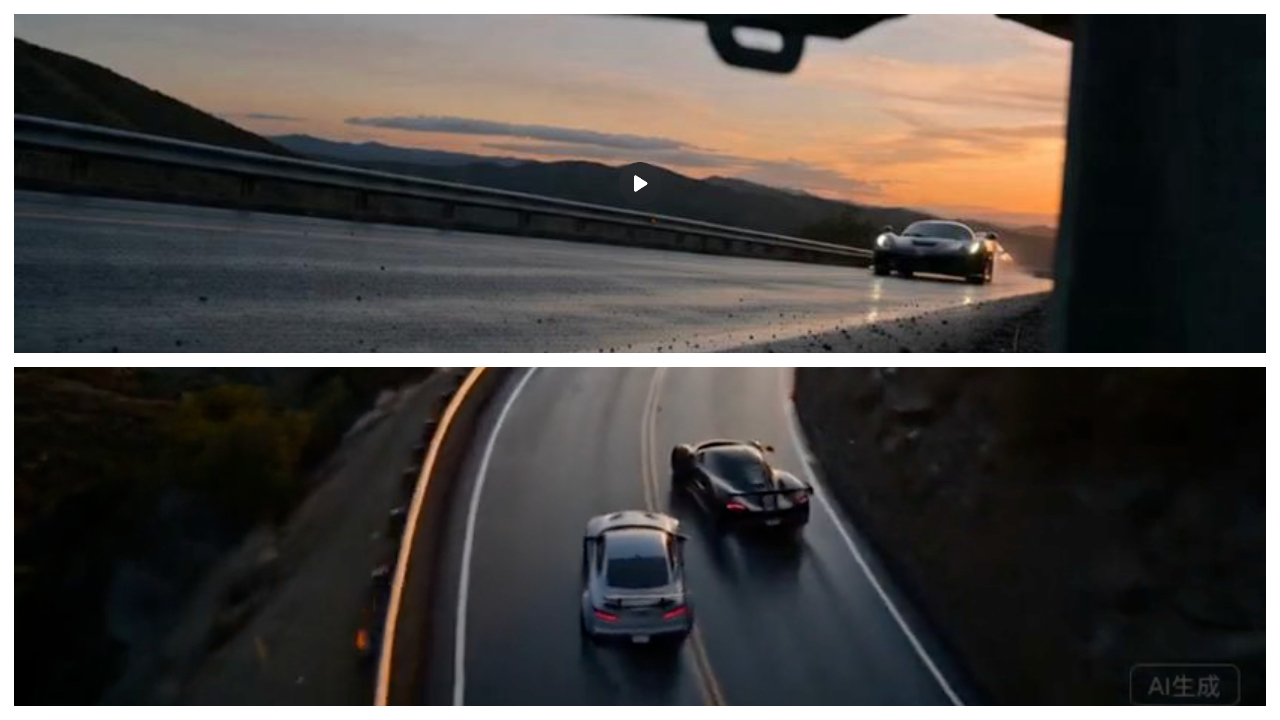
Settings: Seedance 2.0, 16:9, 15s
Key Prompting Tips for Action Videos
1. Specify camera movement explicitly Words like "handheld," "tracking," "bird's-eye," "first-person," and "low-angle" directly affect the generated camera behavior.
2. Use timestamp structure for longer sequences For 15-second videos, break your prompt into 3–4 second segments. This gives you editorial control without actual editing.
3. Describe physics details "Water mist from tires," "snow powder hits the lens," "brake discs glowing red" — these micro-details dramatically improve realism.
4. Request "no text, subtitles, watermarks" Always include this in action prompts. The model defaults to clean footage when explicitly told.
Start Creating
👉 Generate your action video on Haimeta