
How to Use Seedance 2.0 for Stunning Portrait & Fashion Videos
How to Use Seedance 2.0 for Stunning Portrait & Fashion Videos
Transform personal photos into dynamic fashion reels, model showcases, and cinematic portrait films.
Portrait and fashion video content is typically expensive and time-consuming to produce — you need models, a photographer, a director, and post-production. Seedance 2.0 on Haimeta collapses this entire pipeline into a single AI generation workflow.
This guide covers the portrait and fashion use cases, with specific techniques for preserving facial identity across outfits and camera styles.
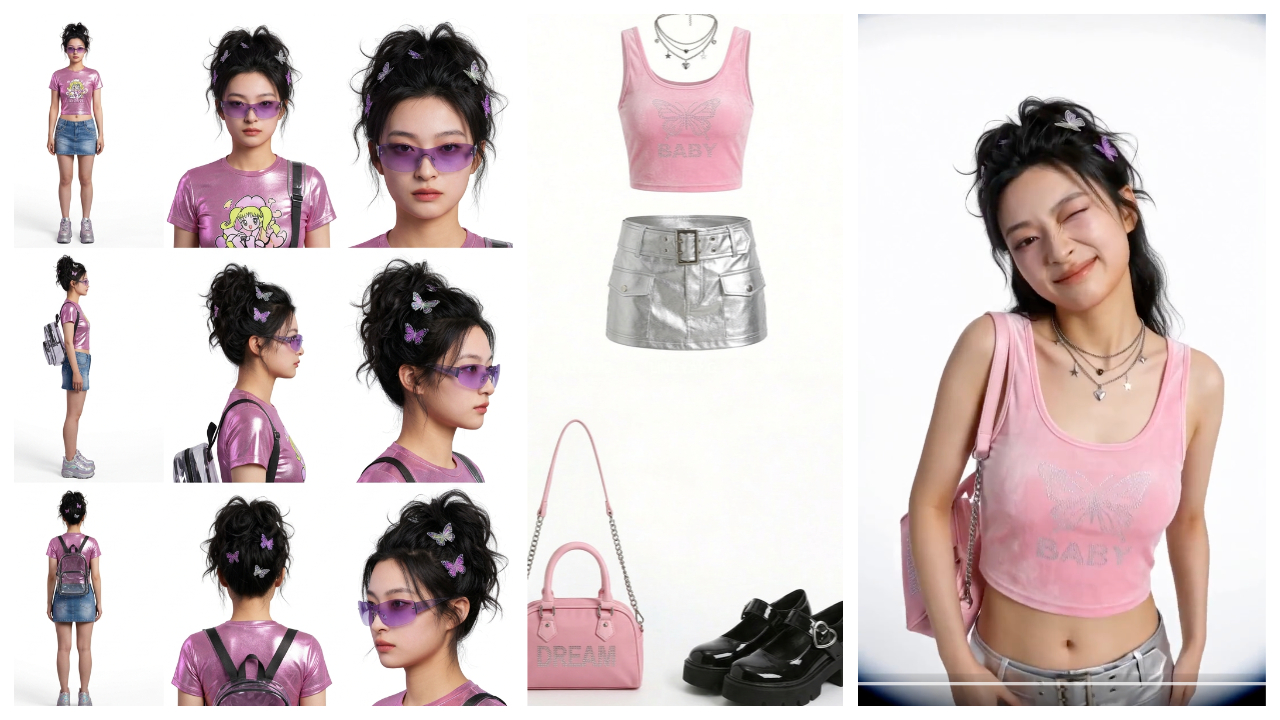
The Core Challenge: Identity Consistency
The hardest problem in AI portrait video generation is keeping the same face across multiple shots and outfits. Seedance 2.0 is specifically engineered to handle this — but the prompts need to be structured correctly.
The key principle: always upload the face reference as Image 1, then reference it explicitly in your prompt.
Use Case 1: Multi-Outfit Fashion Reel
This is the flagship portrait template — it generates a dynamic fashion showcase with multiple outfit changes, each accompanied by a different expression and camera style.
Input Required
- Image 1: Close-up of the model's face (this anchors identity)
- Images 2–6: Full outfit reference photos (clothing, accessories, styling)
Prompt Formula
"Refer to the features in the first picture. Models wear the clothes in the 2nd to 6th reference pictures and come closer to the camera, making naughty, cold, cute, surprised, and cool looks. Each look wears different clothes. Every time they change, the picture will be cut. Refer to the fisheye lens effect and ghosting flickering effect in the video."
Settings: Fast/2.0, 9:16, 10s
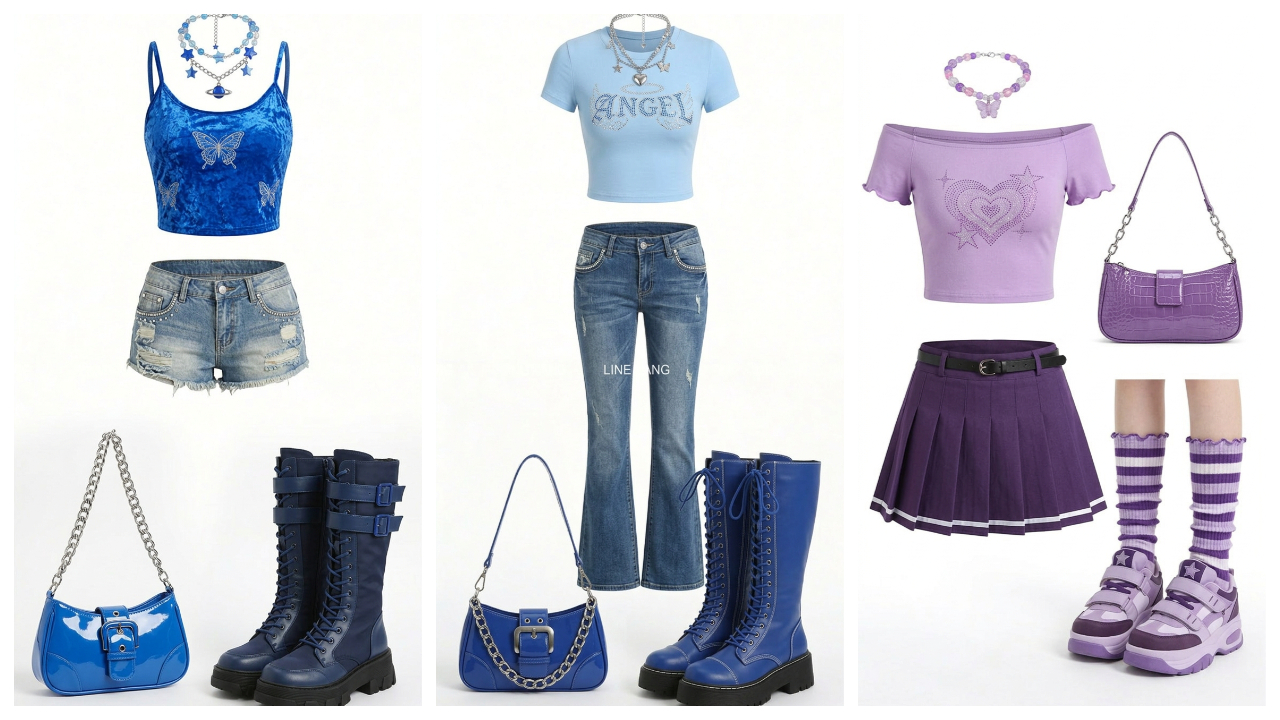
The 5-Expression Framework
The template maps each outfit change to a specific expression archetype:
- Naughty / playful — slight smirk, angled look
- Cold / cool — direct gaze, neutral expression
- Cute — soft smile, tilted head
- Surprised — wide eyes, open expression
- Swaggering / confident — strong pose, direct camera engagement
This gives each cut a distinct personality while keeping the model consistent — which is exactly how real fashion editorials are structured.
The Fisheye + Ghosting Effect
The prompt references a fisheye lens effect and ghosting flicker — these are cinematic style cues that give the reel a distinct editorial / music-video aesthetic. Include them when you want something that feels more like a creative editorial than a standard lookbook.
Use Case 2: Single Outfit Showcase / Lookbook
For a cleaner, more commercial look — think e-commerce product video rather than editorial:
Simplified Prompt
"Reference the model's face from Image 1. The model is wearing the outfit from Image 2. Slow, smooth 360-degree orbit around the subject. Natural soft lighting. No text, no subtitles. Clean background. Duration: 10 seconds."
This approach works well for:
- Fashion brand product pages
- Social media single-item showcases
- Influencer content with consistent brand aesthetic
Use Case 3: Cinematic Portrait Film
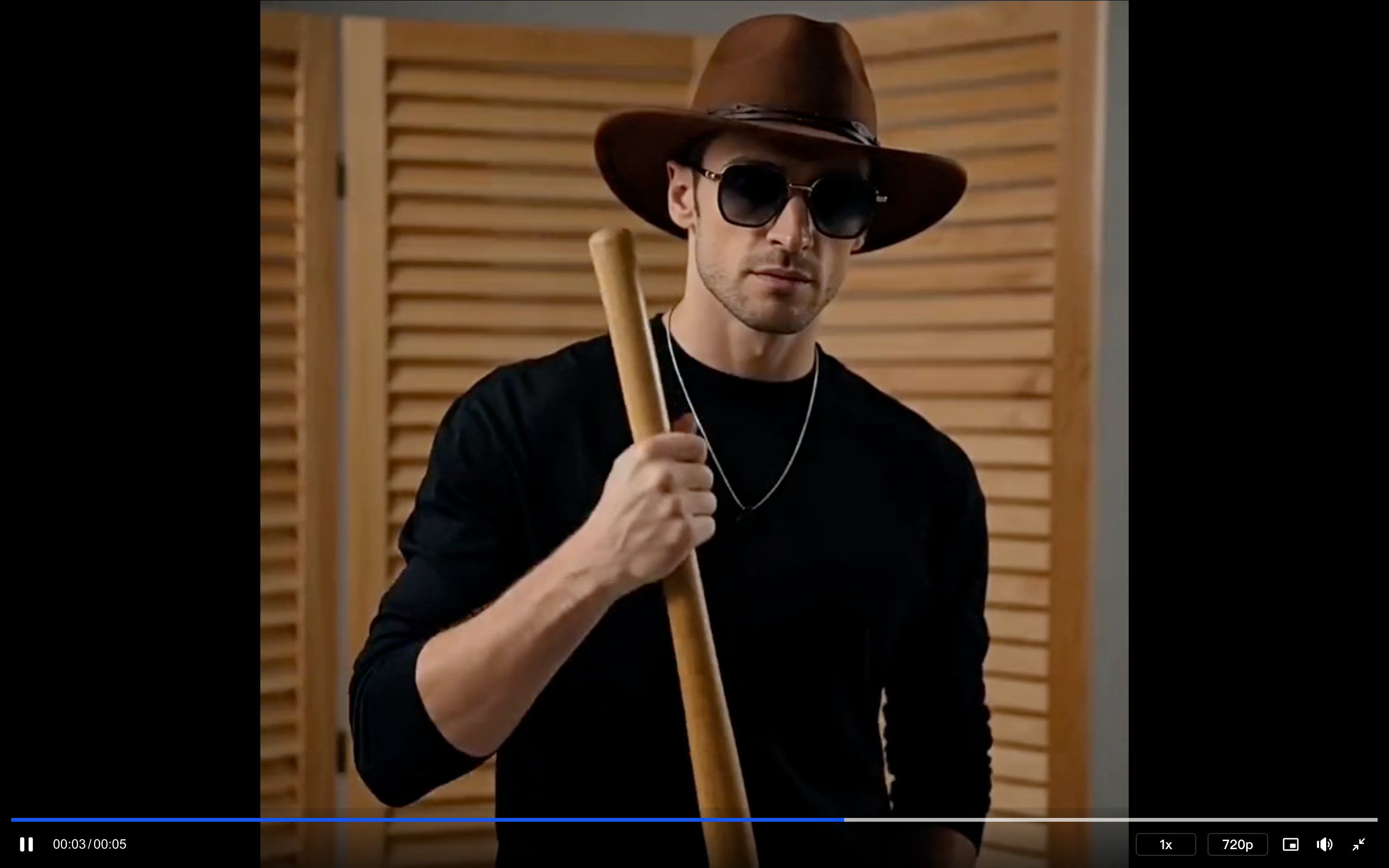
For content creators or photographers who want to turn portrait photos into cinematic video moments:
Prompt Approach
Draw from the film/documentary style used in other Seedance 2.0 categories. Apply it to a portrait subject:
"Cinematic close-up portrait of the subject from the reference image. Camera slowly pushes in from medium shot to close-up. Natural window light from the left. The subject's expression shifts subtly from neutral to a slight smile. Shallow depth of field, background bokeh. Film grain, warm color grading. No text."
Settings: Fast/2.0, 9:16, 10s
Use Case 4: Brand Character / IP Portrait
If you're working with illustrated characters, mascots, or game characters (rather than real faces), Seedance 2.0 handles these with the same identity-preservation approach.
The key: reference the character as Image 1 and be explicit about preserving:
- Line style and art direction
- Color system
- Signature design elements
"Preserve 100% of the core visual features, overall art style, character design, color system, and signature elements of the reference image. No style drift. Front-facing full-body, character looking directly at the camera."
From there, you can add any scenario — fashion, action, narrative — and the character's visual identity will remain intact.
Technical Notes for Portrait Videos
Image Quality for Best Results
| Input | Recommendation |
|---|---|
| Face reference (Image 1) | High-res, face clearly visible, minimal background clutter |
| Outfit references | Full-body or upper body, neutral background preferred |
| Lighting | Consistent lighting direction across all reference images |
| Resolution | Minimum 1024px on the shortest side |
Aspect Ratio Guide for Portrait Content
- 9:16 — Best for TikTok, Instagram Reels, YouTube Shorts
- 1:1 — Instagram feed, profile content
- 16:9 — YouTube, brand website, presentations
Important Platform Note
Portrait uploads on Haimeta: Direct photo uploads for portrait generation may require pre-processing through the image generation feature first. If you encounter upload restrictions, generate a base image through Haimeta's image tools first, then use that as your reference input for video generation.
Common Mistakes to Avoid
Mistake 1: Not anchoring the face as Image 1 If you don't establish face identity in Image 1, the model may generate a generic face rather than your reference subject.
Mistake 2: Inconsistent lighting in reference photos Uploading one photo in harsh sunlight and another in soft studio light confuses the model's understanding of the character's appearance.
Mistake 3: Overloading the prompt For portrait content, less is more. The model needs clear instructions about expression and camera — adding too many environment details can pull focus from the subject.
Mistake 4: Using very similar expressions for all outfit cuts The five-expression framework works because each expression is visually distinct. Don't cluster multiple "neutral" or "smiling" cuts together.
Start Creating
👉 Create your fashion reel on Haimeta
Related Articles
- How to Create Stunning Product Ads with Seedance 2.0
- How to Create Cinematic Action & Sports Videos with Seedance 2.0
- Seedance 2.0 Use Case: Entertainment & Pet Content Creation
- How to Create Cinematic Film & TV Style Videos with Seedance 2.0
- Seedance 2.0 Complete Model Guide: Fast vs. Standard Mode