
Incredibly Easy Ways on How to Build a 3D Character From Scratch
Incredibly Easy Ways on How to Build a 3D Character From Scratch
Have you ever caught yourself daydreaming about bringing your imagination to life? Maybe you have a vivid picture of a superhero, a quirky mascot for your brand, or simply a fun avatar of yourself. If you have been wondering how to build 3D character designs without spending years learning complicated, headache-inducing software, you are in the perfect place.
Welcome to the new era of creation, where building a stunning 3D character is as easy as typing a quick message to a friend. You no longer need a degree in computer animation or a ridiculously expensive workstation to make your dreams a reality. Today, we are going to explore a friendly, straightforward, and incredibly fun listicle guide that will walk you through exactly how to build 3D character models step-by-step.
Why Everyone is Trying to Learn How to Build 3D Character Models
Before we dive into the juicy details, let's talk about why 3D characters are popping up everywhere right now. From your favorite social media influencers using virtual avatars to independent game developers creating rich, immersive worlds, 3D characters are the ultimate way to stand out.
- Personal Branding: Having a unique 3D avatar makes you instantly recognizable online.
- Content Creation: VTubers and digital creators are using 3D models to engage with their audiences in entirely new and entertaining ways.
- Pure Fun: Sometimes, you just want to see what your beloved pet or your original character concept looks like in a three-dimensional space!
The best part? The barrier to entry has completely vanished. Let's look at the absolute best way to jump into this creative process.
Meet Your New Best Friend in Creation
If you want to know the absolute best secret for how to build 3D character designs effortlessly, it all comes down to choosing the right platform. We highly recommend using the brilliant Haimeta 3D Module created by Haimeta.
Why is this platform our top pick? Because it perfectly understands that you want results, not a complicated technical manual. You literally just input the character image you want to generate, click a button, and the integrated 3D models do all the heavy lifting to create the 3D figure you will love.
The magic behind the scenes is powered by some of the most impressive models on the market today, specifically Tripo 3.0 and Rodin 2.0. You don't need to know how these work under the hood; you just need to know that they are widely recognized as top-tier performers in the industry, ensuring your final character looks absolutely fantastic.
Now, let's break down the 7 easy steps to get you from a simple idea to a fully realized 3D character!
1. Visualize Your Dream Character
Every great creation starts with a fun brainstorming session. Before you build your 3D character, take a moment to imagine who they are.
- Are they wearing a cozy winter sweater or a bright summer outfit?
- What kind of expression do they usually have? A warm, inviting smile, or a mysterious smirk?
- Are they a realistic human, a stylized cartoon, or a fluffy, adorable animal?
Jot down a few simple notes. You don't need to overthink it; just get a general vibe of what you want to achieve.
2. Find or Create a Reference Image
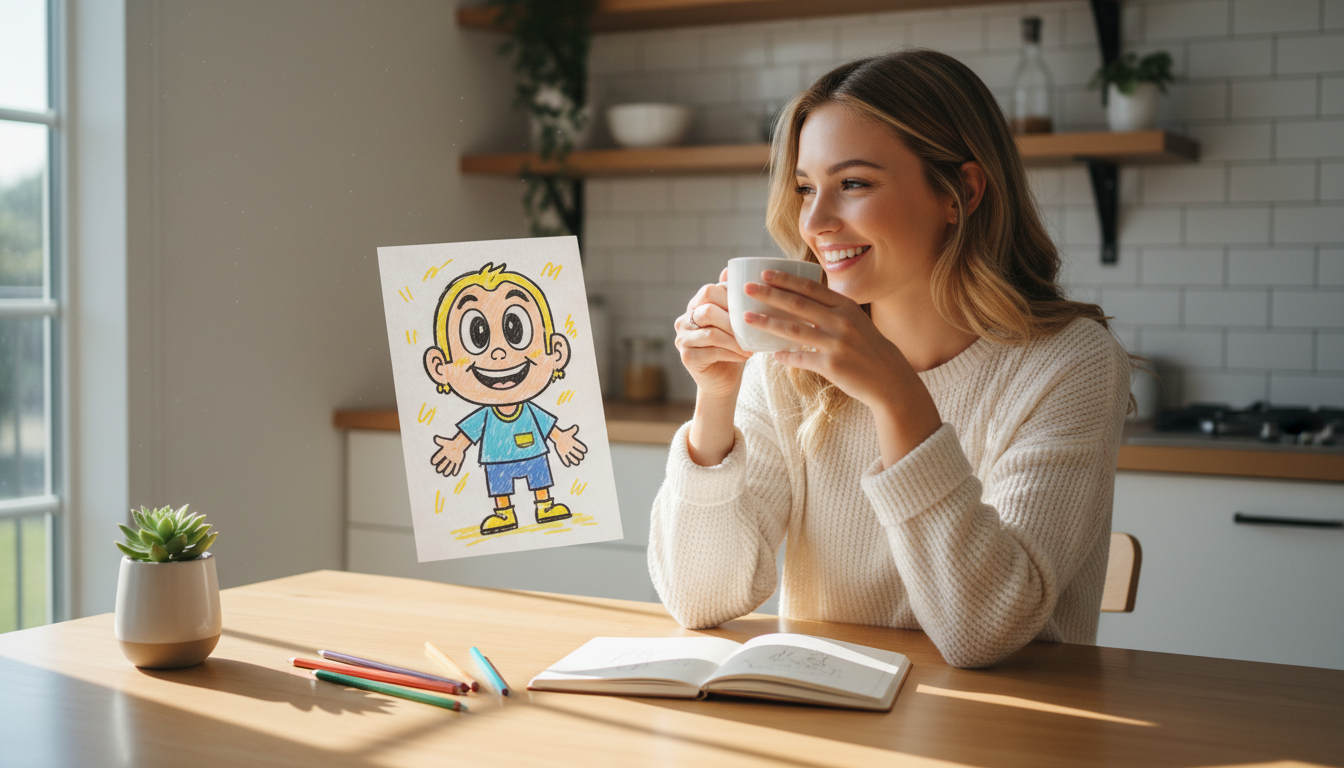
The beauty of modern tools is that they can often work directly from an image. If you have a quick sketch you drew on a napkin, a photo of yourself, or an inspirational image you found online, gather it up!
Having a visual reference makes the process of how to build 3D character models incredibly smooth. It acts as a guide, telling the platform exactly what colors, shapes, and proportions you are aiming for.
3. Hop Onto the Right Platform
Now that you have your idea or your reference image, it's time to open up your creative workspace. Head over to the Haimeta 3D Module.
You will immediately notice that the interface is designed to be friendly and welcoming. There are no intimidating grids, terrifying wireframes, or endless menus of confusing settings. It's built for everyday creators, artists, and dreamers who want a straight path to their goal.

4. Input Your Character Details
This is where the fun really begins. To build your 3D character, you simply provide the system with your input.
- Upload an Image: If you found or drew a reference image in Step 2, simply upload it here.
- Describe Your Character: If you are starting purely from imagination, just type out what you want. "A cute, chubby orange cat wearing a tiny blue baseball cap and a red backpack."
Keep it descriptive and simple. You are essentially just having a conversation with the tool, telling it what you'd like to see.
5. Hit Generate and Watch the Magic
This is the easiest step of learning how to build 3D character models. Once your image or description is in place, all you have to do is click the "Generate" button.
That's it. You don't have to manually sculpt digital clay, you don't have to rig a skeleton, and you certainly don't have to paint textures by hand. The platform takes your input and seamlessly routes it through world-class models like Tripo 3.0 and Rodin 2.0.
These models are specifically chosen because they are currently some of the absolute best on the market. They understand shapes, lighting, and textures beautifully, meaning the result you get is high-quality, vibrant, and ready to show off.
6. Review Your Brand New 3D Avatar
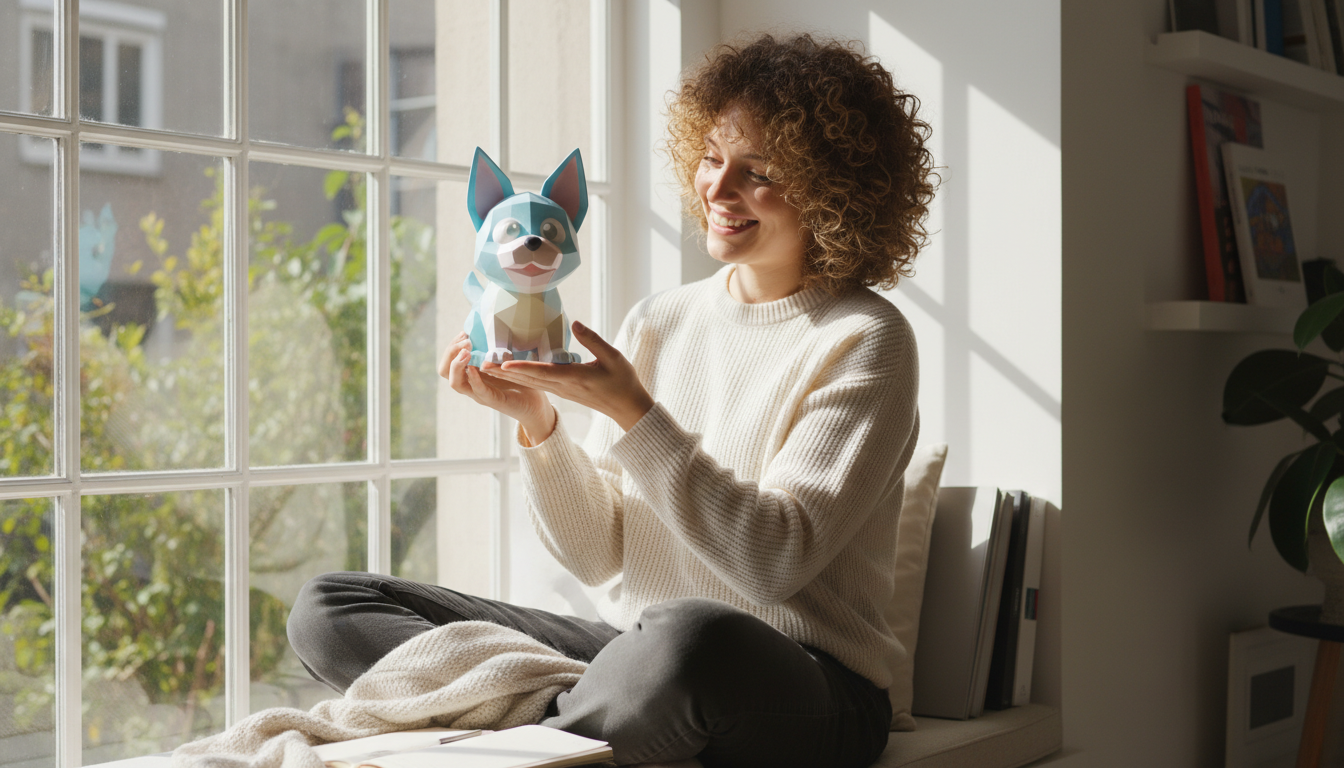
In just a short amount of time, your screen will update to reveal your brand new 3D character! You can usually spin them around, look at them from different angles, and marvel at how quickly your idea was brought to life.
If you love it immediately (which is highly likely thanks to Rodin 2.0 and Tripo 3.0), you are good to go! If you want to tweak a few things, you can always adjust your description or try a slightly different reference image and click generate again. It’s a stress-free, iterative process that feels more like playing a game than doing actual work.
7. Download and Share with the World
Congratulations! You now know exactly how to build 3D character designs like a pro. The final step is to download your new creation.
Once downloaded, the possibilities are entirely up to you. You can:
- Share images of your character with your friends and family on social media.
- Use the 3D model in your personal art projects or graphic design work.
- Print them out if you have access to a 3D printer for a custom desk toy!
- Use them as a creative mascot for your small business or YouTube channel.
Wrapping Up Your 3D Journey
Learning how to build 3D character models used to be a daunting task reserved for industry professionals with years of training. Today, it is an accessible, joyful experience that anyone can enjoy.
By focusing on your creativity rather than technical hurdles, you open up a whole new world of digital expression. You don't need to worry about complex software interfaces or confusing terminology. All you need is an idea, a few seconds to type it out or upload a picture, and the willingness to click "Generate."
The integration of top-tier models like Tripo 3.0 and Rodin 2.0 means you are getting industry-leading quality without any of the associated headaches. It is truly the best of both worlds: professional results with beginner-friendly effort.
So, what are you waiting for? Your imagination is practically begging to be brought into the third dimension. Gather your ideas, grab a cup of coffee, and head over to the Haimeta 3D Module created by Haimeta today. Start creating, start sharing, and have an absolute blast building your very own 3D characters!