
How to Extend Image Background AI: The Ultimate 2026 Guide to Resizing Without Cropping
How to Extend Image Background AI: The Ultimate 2026 Guide to Resizing Without Cropping
Welcome to 2026! If you have ever snapped the absolute perfect photograph, only to realize that the dimensions are completely wrong for the platform you want to post it on, you are not alone. We have all been there. You have a stunning 1:1 square photo from a recent vacation, but your favorite social media platform demands a vertical 3:4 or 9:16 format. In the past, you only had one option: cropping. But cropping means losing the top of your head, chopping off your beautiful outfit, or sacrificing the breathtaking scenery behind you.
Fortunately, technology has evolved. Today, you can effortlessly extend image background AI to solve this exact problem. Instead of cutting away your precious memories, you can simply ask artificial intelligence to understand your photo and organically paint in the missing background. No technical skills required, no complex software installations, and definitely no more ruined photos.
In this friendly, comprehensive guide, we will walk you through exactly how to extend image background AI to save your favorite pictures, why it is vastly superior to traditional cropping, and how you can do it in just a few clicks.
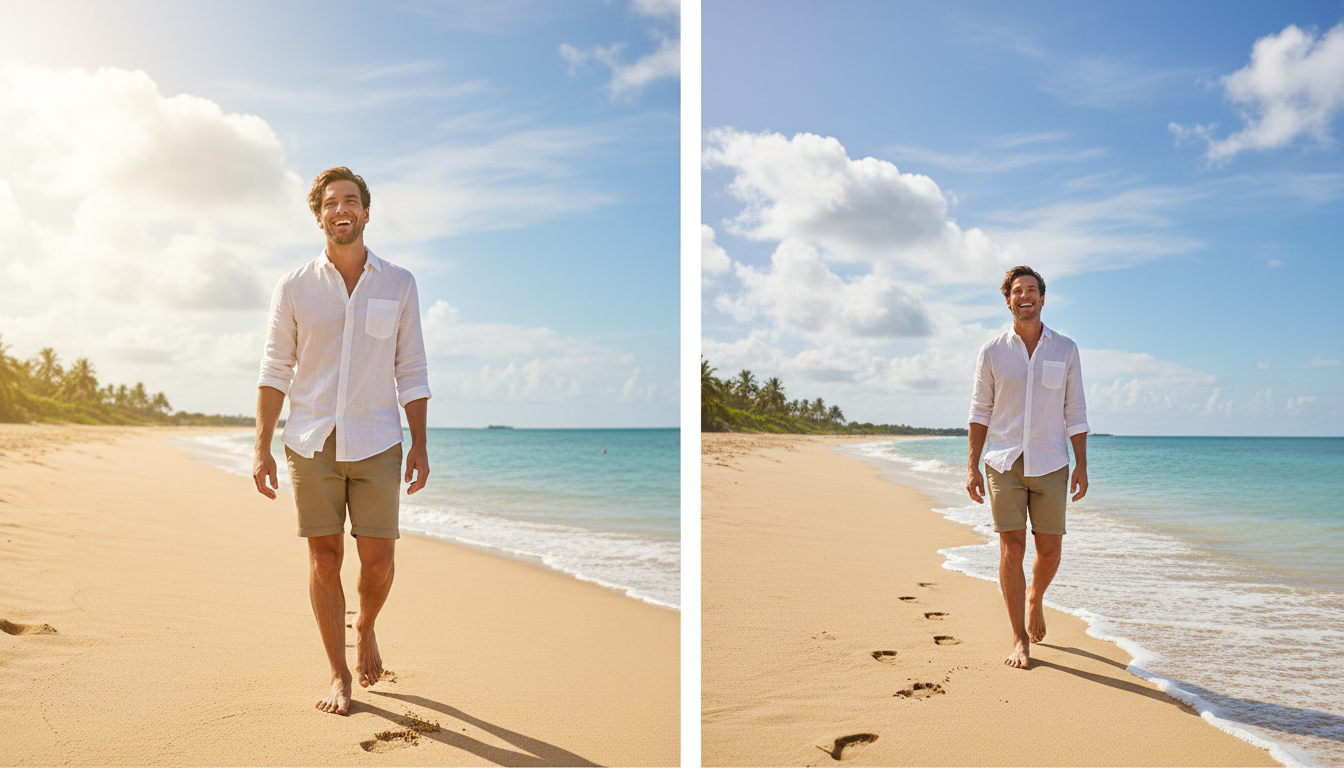
The Heartbreak of Traditional Cropping
Before we dive into the magic of AI, let us take a brief trip down memory lane to understand why traditional photo editing was so frustrating. For years, the standard approach to changing an image's aspect ratio was a destructive process.
The Problem with the 1:1 to 3:4 Transition
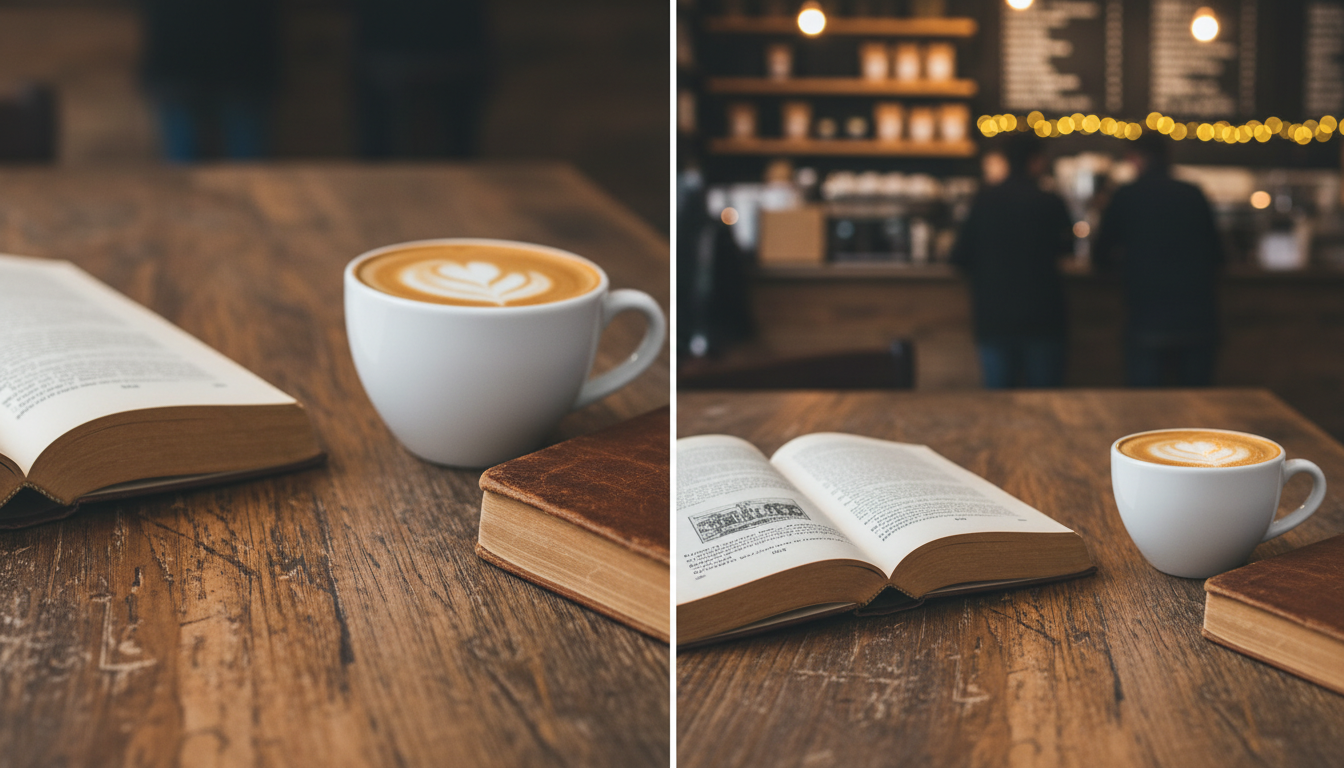
Imagine you are at a cafe. You take a beautiful, perfectly framed square (1:1 ratio) photo of your latte and the book you are reading. It looks incredible. But now, you want to share it as a vertical story or a tall post (3:4 ratio).
To make a square fit into a vertical rectangle, traditional photo editors force you to zoom in and chop off the sides of your image. Suddenly, half of your coffee cup is gone, and the title of your book is cut off. The context of the beautiful cafe table is entirely lost.
The traditional cropping process forces you to:
- Sacrifice Context: Lose the environment that made the photo special in the first place.
- Ruin Composition: Destroy the careful framing you spent time setting up.
- Lower Resolution: By zooming in to fill a taller frame, your image becomes pixelated and blurry.
This is why finding a way to extend image background AI has become the gold standard for photo enthusiasts, influencers, and casual memory-makers alike in 2026.
What Does It Mean to Extend Image Background AI?
So, how does this actually work? Do not worry, we are not going to dive into complex computer jargon. At its core, to extend image background AI means giving your photo to a smart digital assistant that truly "understands" what it is looking at.
When you upload your 1:1 picture, the AI scans the elements within the frame. It recognizes the texture of the wooden table, the color of the sky, the pattern of the brick wall, or the flow of the ocean waves. Once it understands the context of your original image, it seamlessly generates brand-new pixels outward, matching the exact lighting, shadows, and textures of your original shot.
Instead of zooming in and cutting off the sides, the AI simply creates more background at the top and bottom (or sides) to reach your desired 3:4 ratio. Your original image remains 100% intact, perfectly preserved in the center of a beautifully expanded scene.
Meet Your New Best Friend: Haimeta AI Expand
If you are looking for the absolute easiest and most effective way to achieve this, you need the right tool. Let us introduce you to the standout platform of 2026: Haimeta AI Expand created by Haimeta.
This specific tool was built with one primary goal in mind: making background expansion effortless for everyday users. You do not need to be a professional photographer or a graphic designer to use it. You just need an image that you love and a desire to make it fit perfectly wherever you plan to share it.
Why Choose Haimeta AI Expand?
- Zero Learning Curve: It is as simple as uploading and clicking a button.
- Incredible Contextual Understanding: The AI is brilliant at figuring out what belongs in the expanded space, whether it is a bustling city street or a quiet forest.
- Perfect Aspect Ratios: Easily switch from 1:1 to 3:4, 16:9, or any other dimension without losing a single pixel of your original subject.
Step-by-Step Guide: How to Extend Image Background AI
Ready to rescue your photos? Follow these simple, actionable steps to transform your tight crops into expansive masterpieces.
Step 1: Choose the Perfect Photo
Start by selecting the image you want to rescue. This is typically a photo that feels a bit too "tight" or one that is currently in a square format but needs to be vertical. Make sure your original subject is clear.
Step 2: Navigate to Haimeta AI Expand
Open your web browser and head over to Haimeta AI Expand created by Haimeta. You will be greeted by a clean, friendly interface that practically guides you by the hand.
Step 3: Upload Your Image
Drag and drop your chosen 1:1 photo into the upload area. The system will instantly load your image onto the canvas.
Step 4: Select Your Target Aspect Ratio
Look for the sizing options and select your desired outcome. For example, if you want a tall portrait style, select the 3:4 or 9:16 option. You will immediately see a preview frame showing the empty space that needs to be filled around your original picture.
Step 5: Let the AI Work Its Magic
Click the "Expand" or "Generate" button. Now, sit back and relax for a few seconds. The AI is analyzing the lighting, the textures, and the scenery. It is carefully painting the new background to blend invisibly with your original photo.
Step 6: Review and Download
Once the process is complete, you will see your new, beautifully expanded photo. The coffee cup that was cut off? The AI has drawn the rest of the table. The sky that was too short? Now it stretches high above. If you love it, click download and save it directly to your device. It is that simple!
Real-Life Scenarios Where AI Background Expansion Saves the Day
To truly appreciate how incredible it is to extend image background AI, let us look at some everyday, real-life scenarios where this technology is an absolute lifesaver.
1. The Fashion and Lifestyle Post
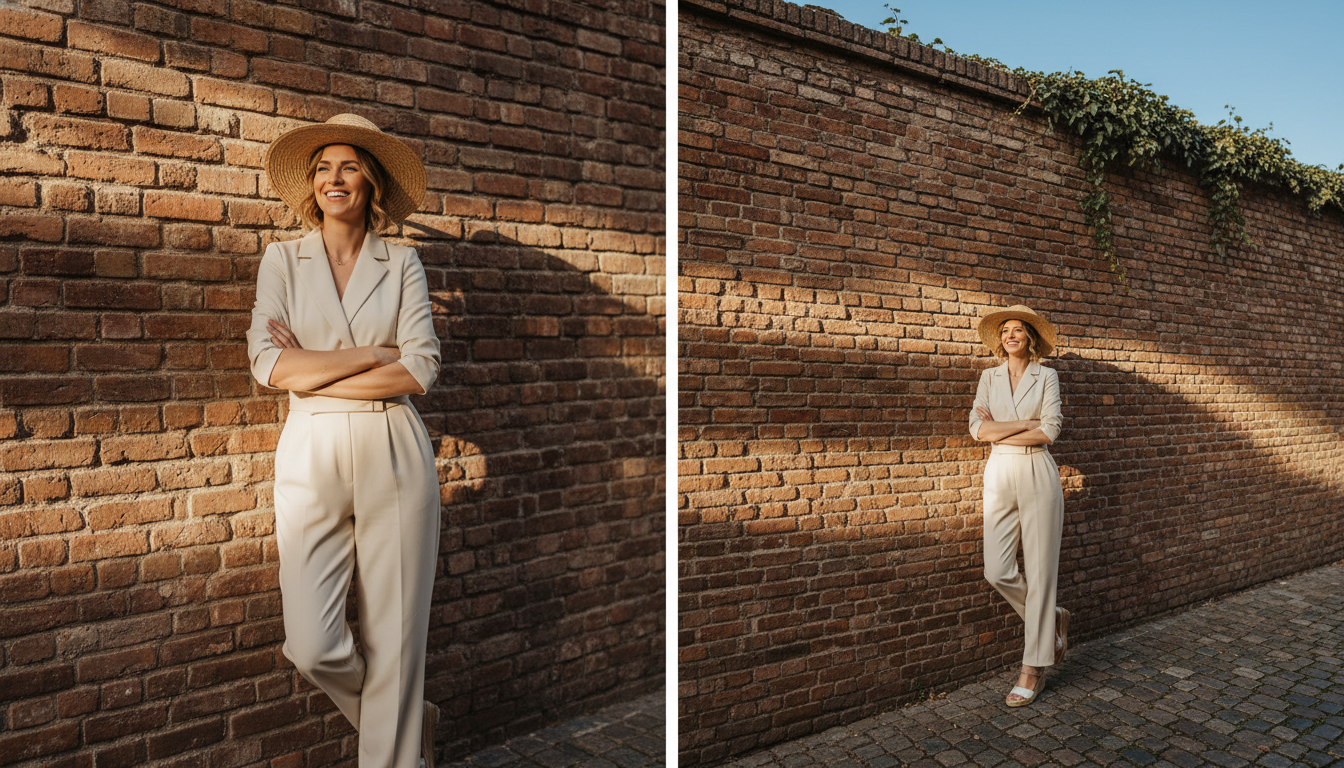
You took a gorgeous picture of your new outfit standing against a cool graffiti wall. However, your friend took it as a square photo. When you try to post it as a vertical reel, your fabulous shoes get cropped out. By using AI to expand the background, the tool generates more of the pavement below and more of the graffiti wall above. Your shoes stay in the frame, and the vibe is preserved perfectly.
2. The Epic Vacation Landscape
You hiked for two hours to reach a stunning waterfall. You snapped a quick photo, but framed it way too tight. It does not capture the majesty of the location. By expanding the background, the AI naturally extends the cascading water, the surrounding mossy rocks, and the bright blue sky, giving you a sweeping vertical shot that truly captures the memory.
3. The E-Commerce Product Shot
If you run a small business selling handmade crafts, you know how hard product photography can be. You might have beautiful square pictures of your jewelry, but your website's new theme requires vertical hero images. Instead of re-shooting your entire inventory, you can just extend image background AI to add more beautifully blurred, aesthetic background around your products.
Tips for Getting the Absolute Best Results
While modern AI is incredibly smart, there are a few friendly tips you can follow to ensure your expanded photos look 100% natural and photorealistic every single time.
- Start with Good Lighting: The AI uses the lighting in your original photo as a reference point. If your original photo is clear and well-lit, the expanded background will match beautifully.
- Leave Room to Breathe: If your subject's face is right on the very edge of the original 1:1 photo, the AI has to guess what the rest of their head looks like. Try to use photos where your main subject is fully visible, allowing the AI to focus purely on expanding the environment.
- Keep it Natural: AI excels at natural textures like grass, sky, water, walls, and flooring. If you are expanding a shot taken in a normal everyday environment, the results will be completely indistinguishable from reality.
Why 2026 is the Golden Age for Photo Lovers
We have come a long way from the days of settling for ruined, cropped photos. The ability to seamlessly extend image background AI means that every photo you take holds infinite potential. You are no longer bound by the initial aspect ratio you selected on your camera or phone.
Whether you are trying to perfect your social media aesthetic, update your family photo albums, or just rescue a memory that was framed a little too tightly, this technology is here to make your life easier.
Conclusion: Stop Cropping and Start Expanding
Do not let bad aspect ratios ruin your favorite moments. The days of sacrificing the edges of your beautiful pictures are officially over. By utilizing smart tools, you can keep the integrity of your original shot while perfectly fitting it into any modern digital format.
Ready to see the magic for yourself? Grab that square photo you have been struggling to post, head over to Haimeta AI Expand created by Haimeta, and watch your image grow without losing a single beautiful detail. Happy editing, and here is to picture-perfect memories in 2026 and beyond!